
9 laptop accessories every college student needs, all under $100
Summary created by Smart Answers AI
Table of Contents
In summary:
- PCWorld highlights nine essential laptop accessories for college students, all priced under $100 to enhance productivity and comfort during study sessions.
- Top recommendations include the G.Skill KM250 mechanical keyboard at $45, Logitech Signature M650 wireless mouse for $40, and Anker Soundcore Q20i noise-cancelling headphones at $45.
- These budget-friendly accessories offer premium features like 60-hour battery life, RGB lighting, and active noise cancellation to maximize laptop potential.
Think you’re all set for college with just your laptop? Not so fast! As any computer user knows, you need a few accessories to fully unlock the potential of any laptop, whether to make it more useful, more efficient, or just more comfortable for all-day sessions.
If you’re going to be spending a lot of time on that laptop—or if you’re a parent and your kid is the one heading off to college—then it’s a good idea to make sure it’s well-equipped to be used to its fullest.
We’ve curated the most essential laptop add-ons that won’t break the bank, with each one below the $100 mark (and some of them way below that mark). Mix and match what you (or your child) will need for the upcoming year with these ultimate value laptop accessories.
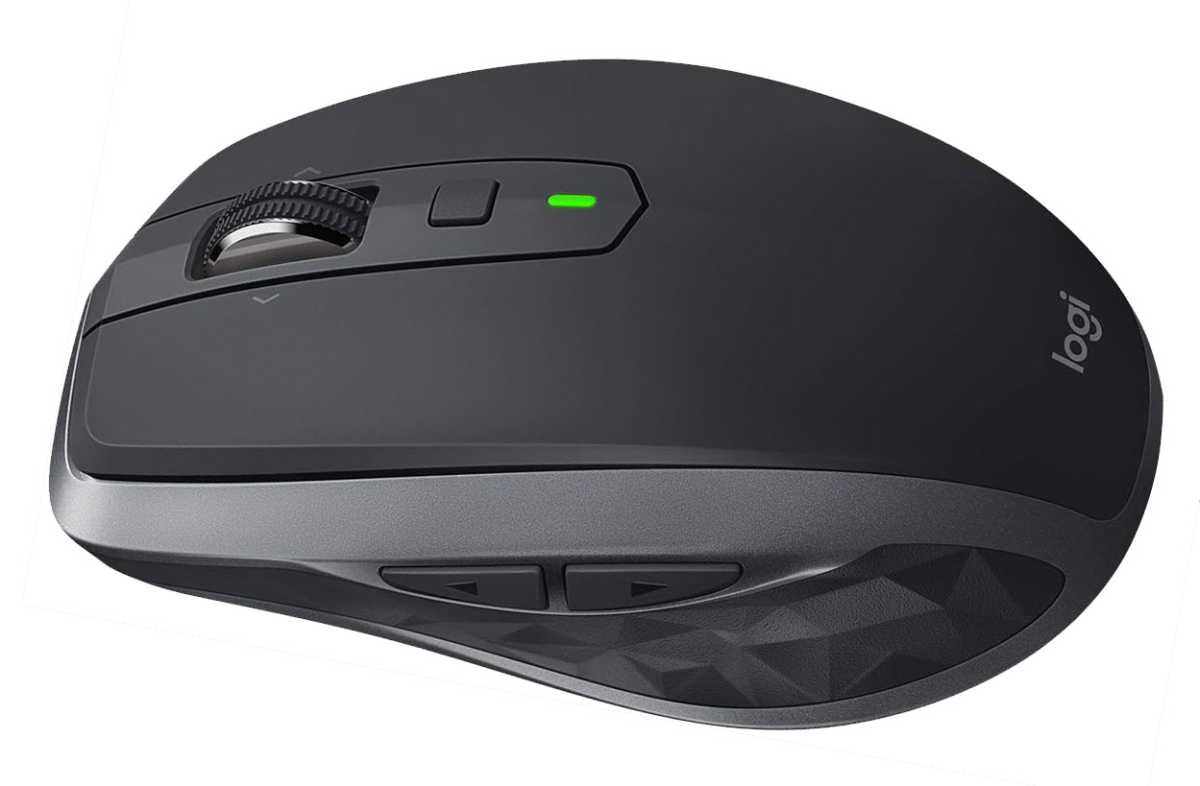
A perfect laptop mouse: Logitech Signature M650
Logitech
Long work sessions absolutely demand a mouse, and for laptops, you won’t find a better option than Logitech’s budget wireless offerings. The Logitech Signature M650 is just $40 at retail, but it sometimes drops below $30 on sale. It’s lightweight but powerful, with a comfortable sculpted shape, super-smooth scrolling, back/forward buttons on the thumb side, and it easily fits in a pocket or bag. Bluetooth and 2.4GHz options let you switch between devices easily, and best of all, it’ll last for up to 2 years on a single AA battery (included).
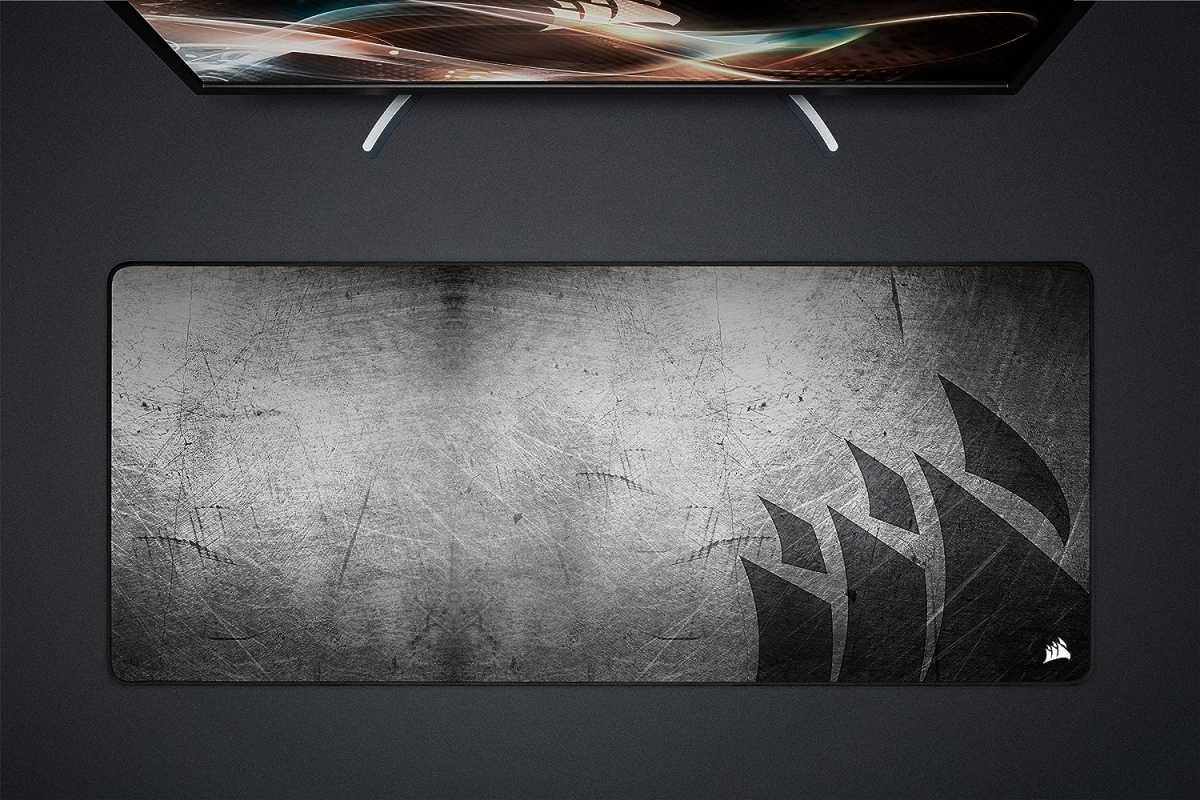
A comfy desk mat: Corsair MM350 Pro
Corsair
If you have a mouse, you need a mouse pad. But why settle for a dinky one? And if we’re being honest, you’re probably going to be eating and drinking at your desk constantly. So, why not solve two problems at once with this massive 36-inch-wide Corsair desk mat for $30, which serves as both a mouse pad and a waterproof, stain-resistant tablecloth? It’s even washable, with a stitched edge to keep it from fraying.
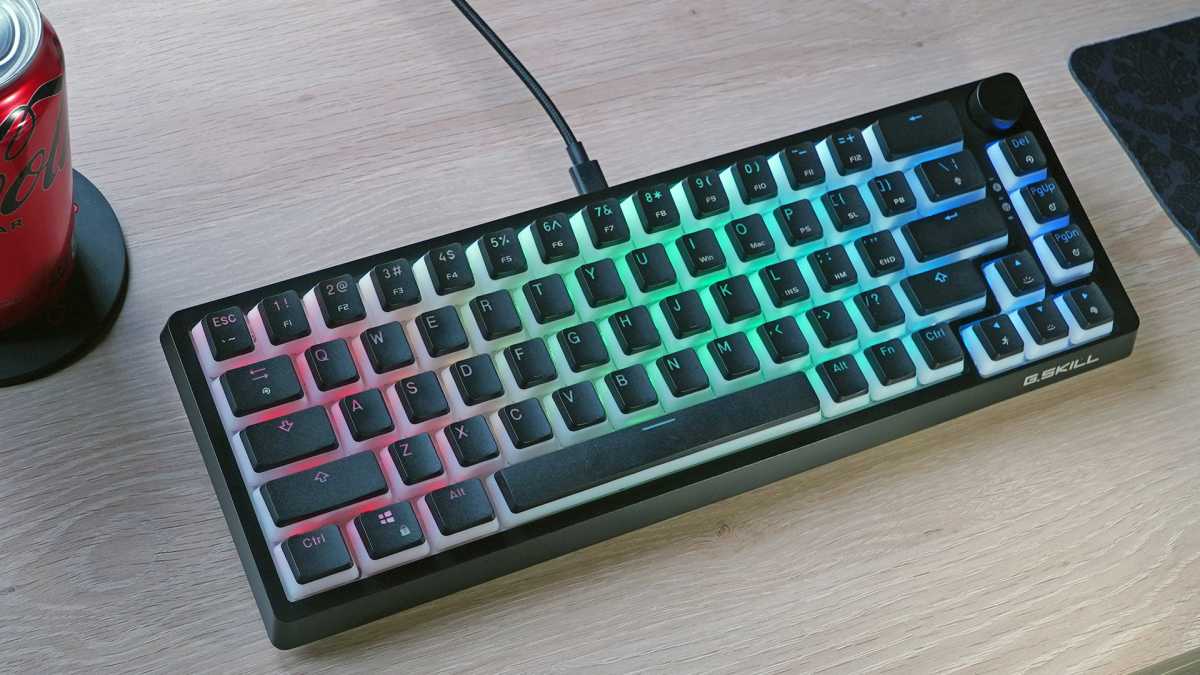
A keyboard for long papers and gaming: G.Skill KM250
Michael Crider/Foundry
Laptop keyboards are serviceable, but when it’s time to really buckle down and get some serious writing done, you need a dedicated keyboard. For those on a budget and/or tight on space, PCWorld’s go-to pick is the G.Skill KM250 at just $45. It has tons of extras like RGB lighting and a rotary volume dial, plus high-quality switches and keycaps, and even built-in foam dampening to keep roommate disturbances to a minimum. If you’re gaming on your laptop, this keyboard is also tactile and comfortable for those sessions. You can read our review here.
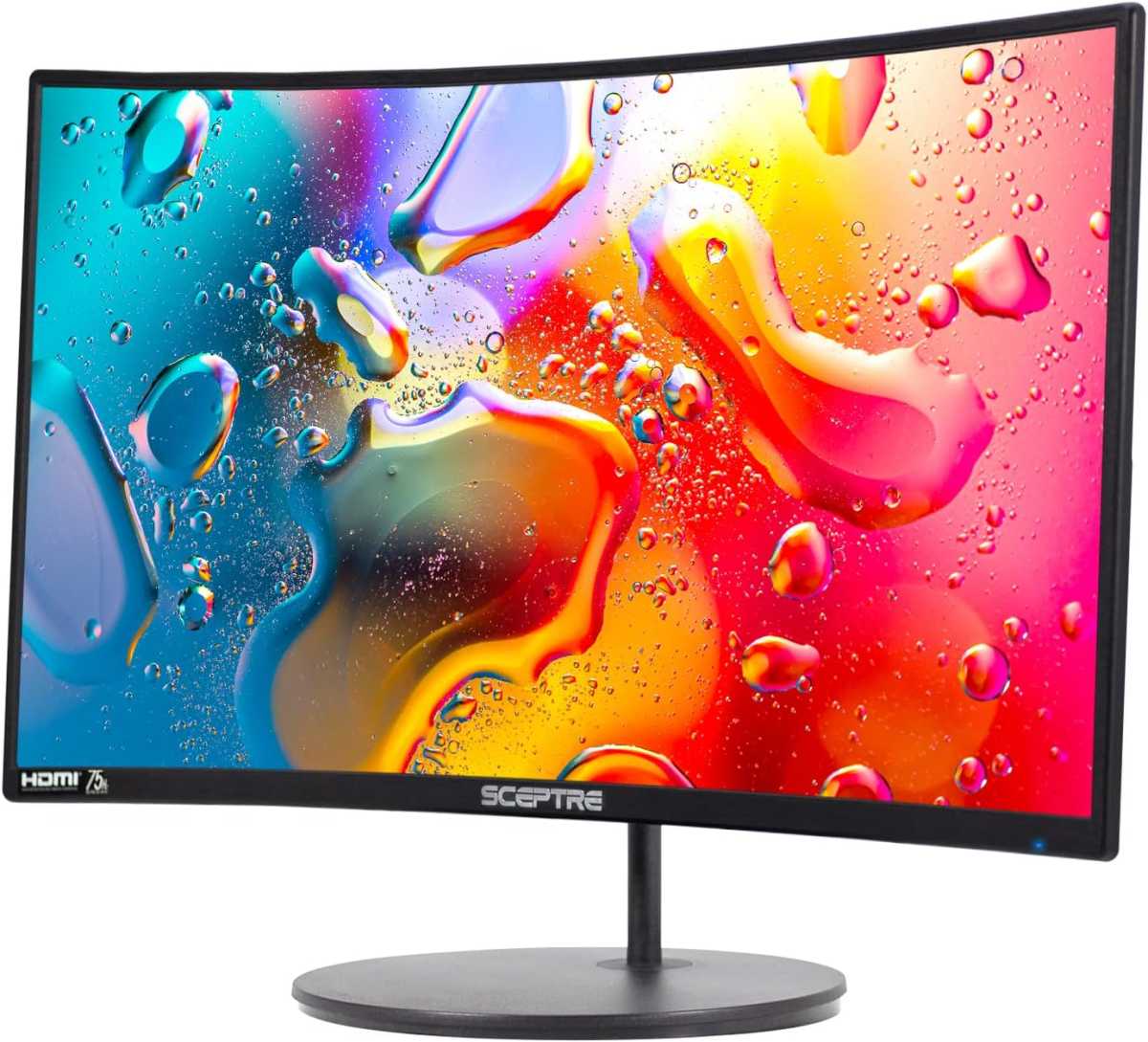
A productivity-boosting monitor: Sceptre R1500
Sceptre
The great thing about using an external monitor with a laptop is that you unlock a dual-screen setup, giving you more screen real estate and less eye strain. Finding a decent monitor for a hundred bucks is tough, but this Sceptre R1500 model for just $99 fits the bill, with a 24-inch 1080p panel and an easy HDMI connection. It even has a slight curve for a bit of style, and an extra HDMI port can handle a gaming console, too.
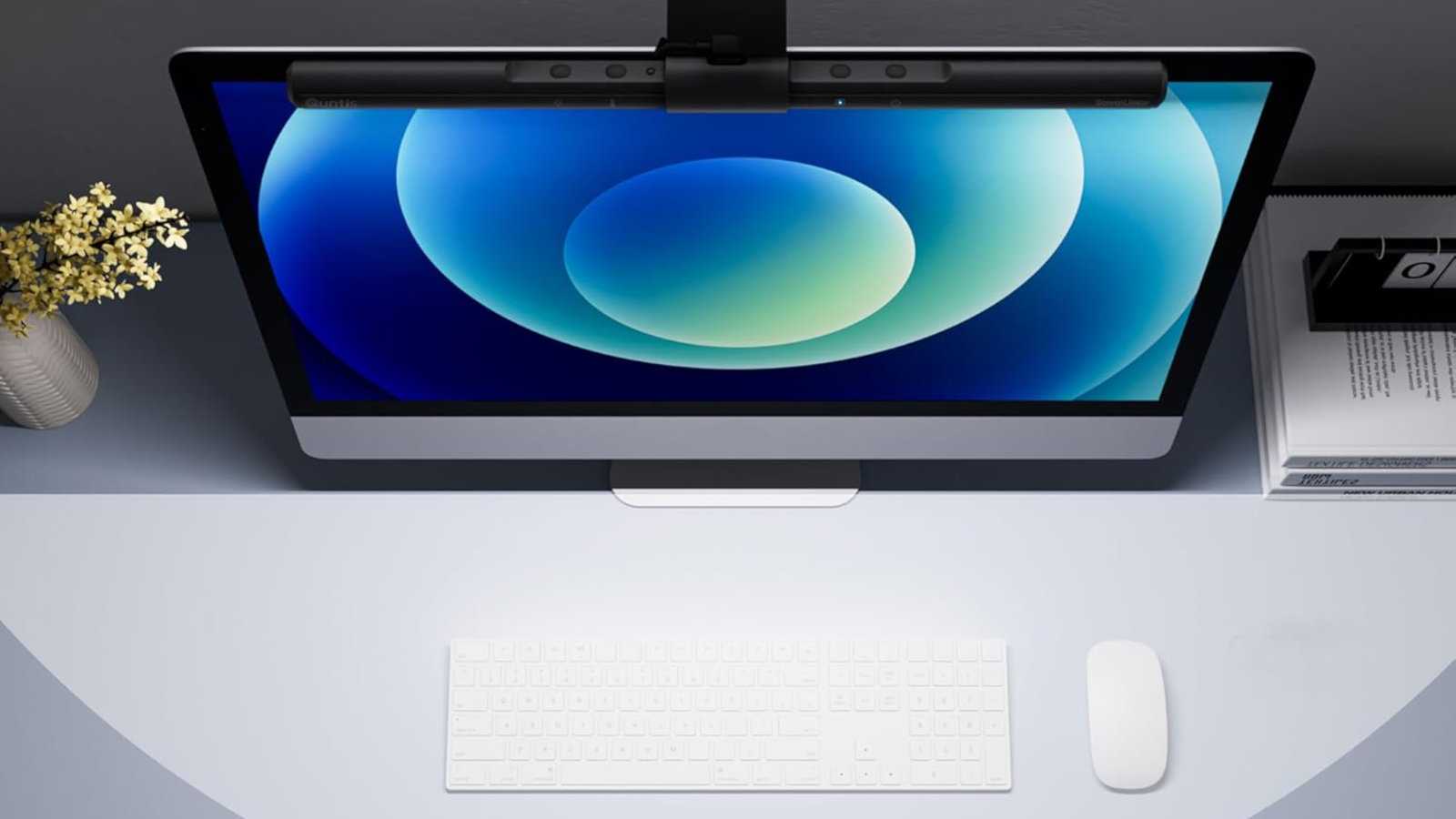
A monitor lamp for late nights without eye strain: Quntis Monitor Lamp
Quntis
Your dorm desk will likely have limited space available, which is why this Quntis monitor lamp for $40 is a perfect fit. It shines right on your workspace without getting in your eyes or reflecting off the screen, it’s dimmable with ambient-intelligent auto-dimming, and it features color temperature adjustments to reduce eye strain. This model even includes a handy wireless controller for on-the-fly adjustments.
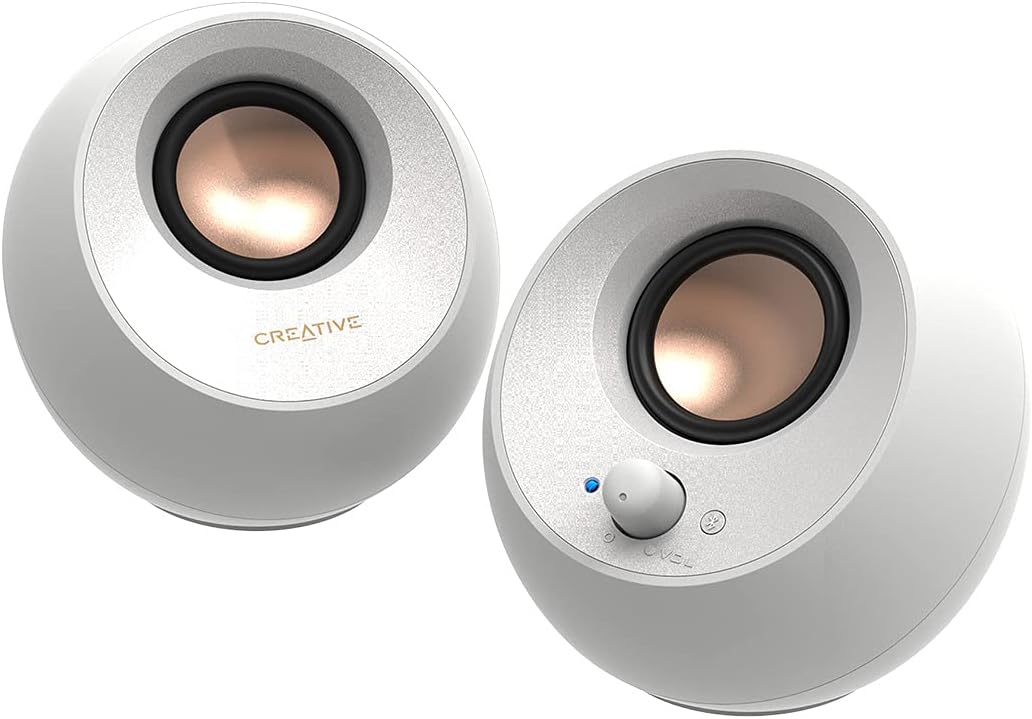
Desk speakers for jamming out in style: Creative Pebble V3
Creative
Laptop speakers leave a lot to be desired, so for better music and movies, set yourself up with these space-saving Creative Pebble V3 speakers for $40. A USB connection makes it easy to set them up with a laptop, and extra Bluetooth means they can stream audio right from a phone or tablet too. They don’t even need a power cord—16 watts won’t exactly rattle the windows, but it’s perfect for a dorm or bedroom.
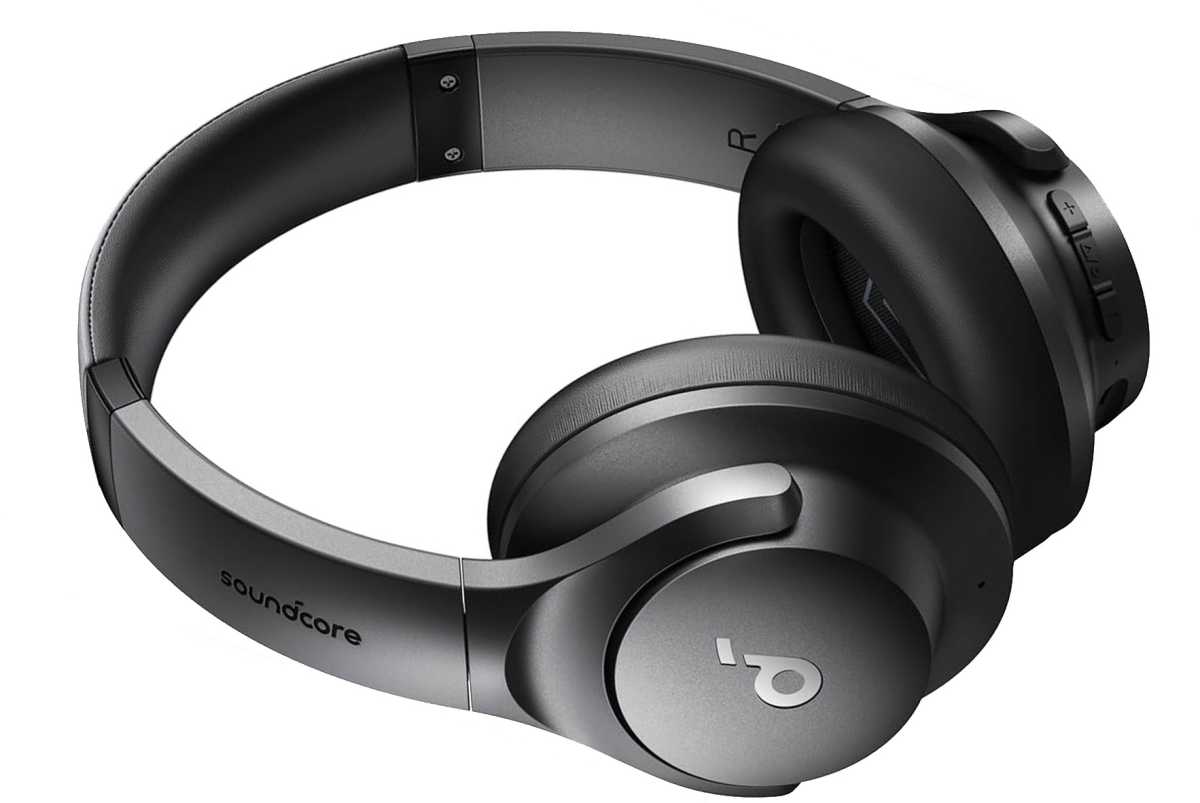
Headphones for jamming out quietly: Anker Soundcore Q20i
Anker
Of course, speakers aren’t always a practical option. These active noise cancellation cans will help you focus on a lecture or music, whether you’re in your dorm or outside on a busy quad. With a portable fold-flat design, easy USB-C charging, and up to 60 hours of battery life, they’re a perfect companion for a laptop just about anywhere. Normally, headphones with active noise cancellation tech are super pricey, but the Anker Soundcore Q20i is just $45.
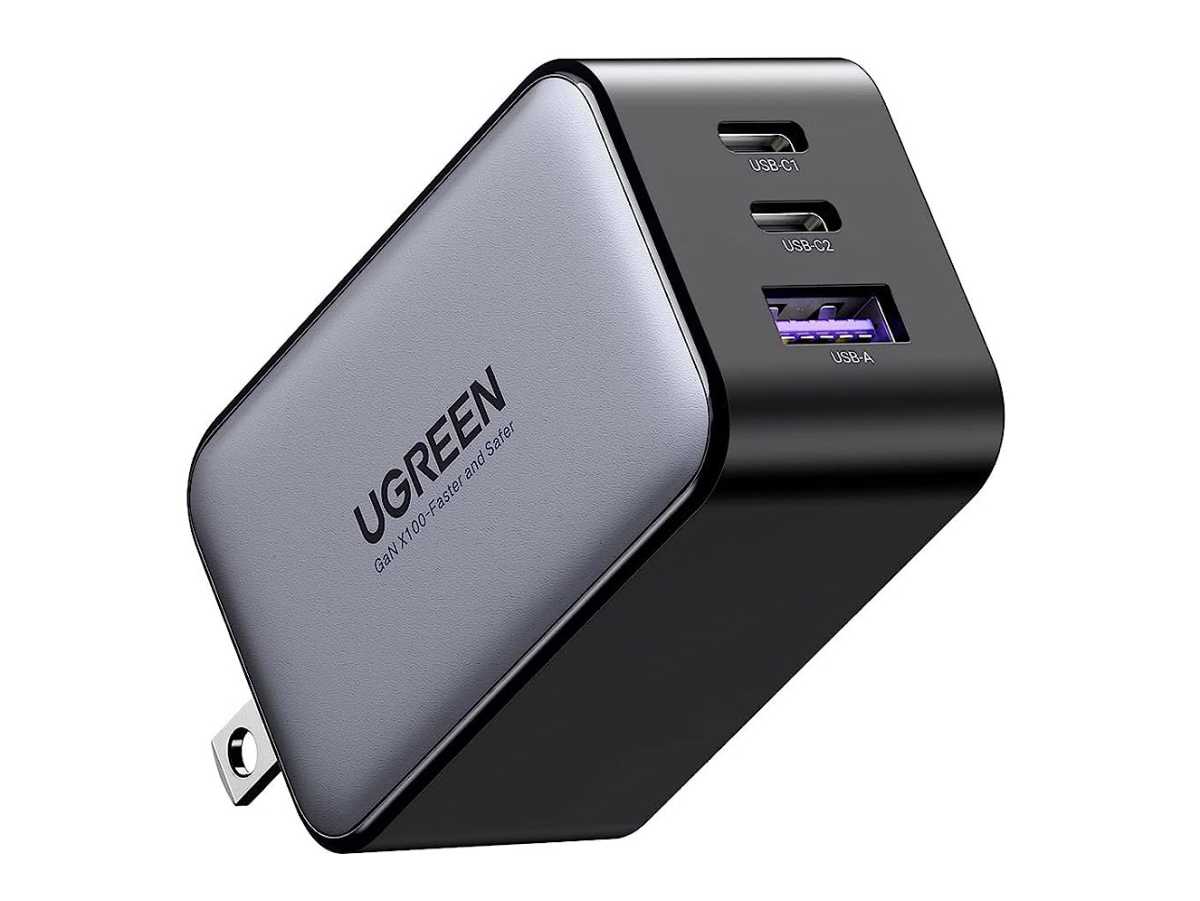
A fast GaN charger to keep everything running: Ugreen Nexode 65W
UGreen
The charger that comes with your laptop is likely a heavy brick that only charges one thing at a time. Replace it with this $40 Ugreen Nexode GaN charger and you’ll be able to charge your laptop, phone, and headphones all at the same time. Plus, it’s tiny and the prongs folds down—perfect for throwing in a backpack for on-the-go laptop support.
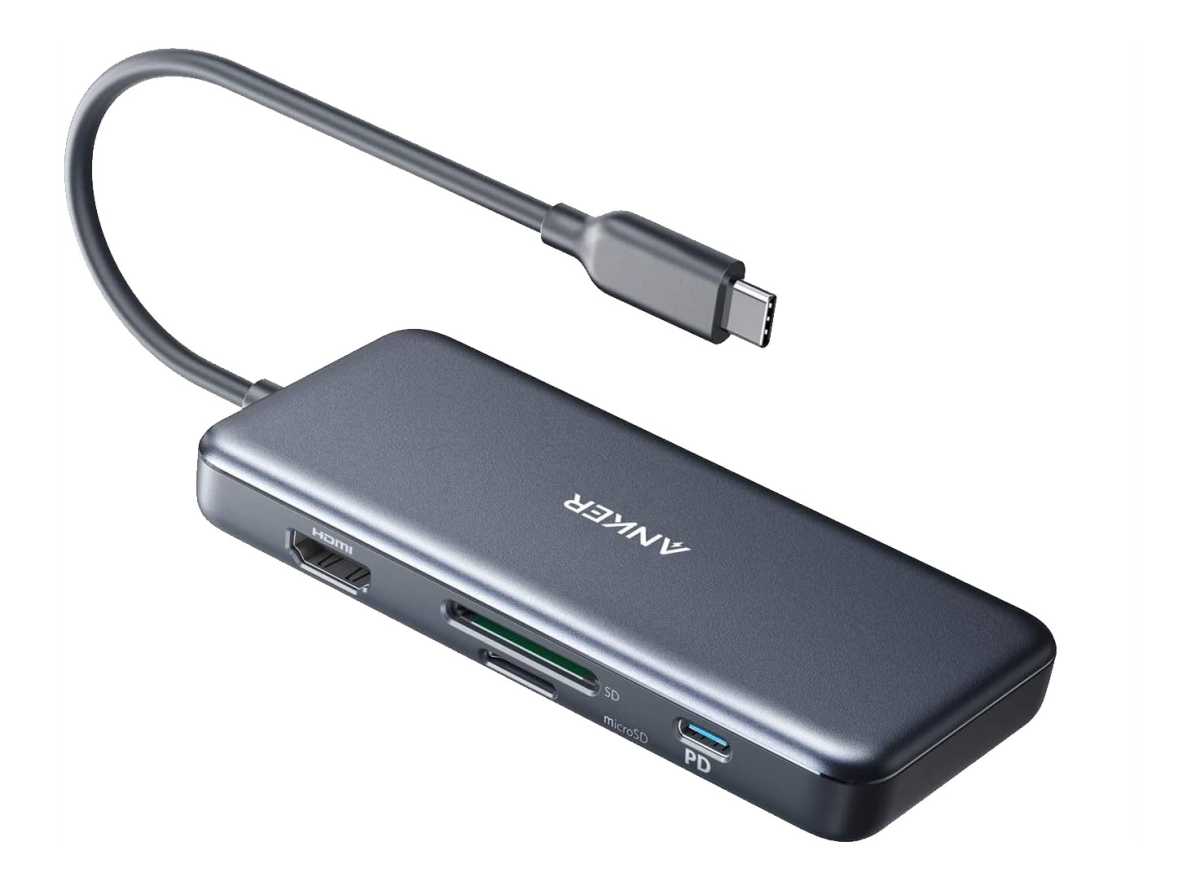
Tie it all together: Anker 7-in-1 USB-C Hub
Anker
It’s essential that your laptop setup is both powerful and portable. Throw in this Anker 7-in-1 USB-C Hub for $40 and you’ll be able to connect pretty much anything to your laptop: monitor, keyboard, speakers, flash drive, SSD, even SD and microSD cards. And when you’re off to class, you can disconnect everything in one go just by unplugging this hub—and when you’re back from class, plug it in and everything’s ready again.
