
Not sure if a file is malicious? Upload it to VirusTotal
Not only does this scanner help your PC stay cleaner—you don’t have to even download a file to get intel on it—but it passes files and links through multiple engines as part of its assessment. Basically, you get as many as 10+ opinions at once, rather than just the single one from your antivirus software.
To use VirusTotal, just paste the link into the URL tab. Or, if you have a potentially suspicious file already on your PC, upload it directly.
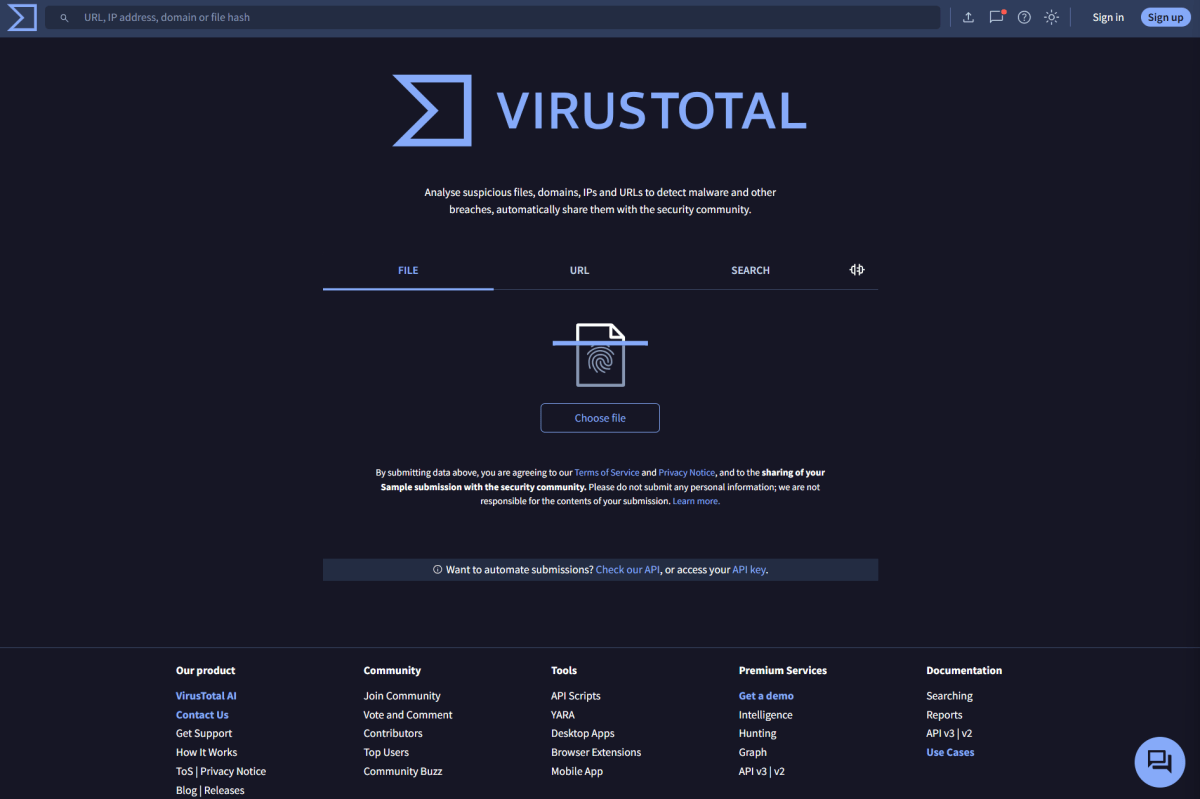
VirusTotal / PCWorld
I like to use VirusTotal as an additional layer of protection for my PC—a sort of sentry before anything lands on it. But it’s not meant as a replacement for your antivirus software, which is both proactive and reactive to threats to your computer.
You can use it as a backup scanner, if you’re feeling mistrustful of a file. But these days, I avoid unnecessary downloads and webpage visits whenever possible. Malware and phishing keep proliferating faster and faster nowadays. Downloading random stuff onto a PC isn’t fully safe, even if you never open it. Windows might poke at the files to obtain metadata—and for some malware, that can be enough to trigger the payload. Similarly, just visiting a webpage can start a download of malware (“drive by download”), or allow the malicious website to exploit a vulnerability in your browser.
So overall, I typically recommend VirusTotal as a first defense—for situations where you’re already on guard. Your antivirus software remains on alert in the background, ready to jump in if you miscalculate your risk.
