
Aomei Backupper Standard 8.5 review: Free and surprisingly capable backup
Alas, Backupper Standard needed a bit of help. I had to employ the venerable and equally free third-party boot-disk creation tool (Rufus 4.8) to create Backupper recovery media that would boot successfully on my test systems. Consider that worthy utility a necessary adjunct to Backupper Standard.
Read on to learn more, then see our roundup of the best Windows backup software for comparison.
What are Aomei Backupper Standard 8.5’s features?
I did a comprehensive comparison of Backupper Standard and Backupper Professional (before I discovered the cheat sheet) to discern which features were and were not implemented in the Standard version.
I was quite surprised at the overall functionality that’s included. All the basics from the paid version are there: file/folder backup, system/drive/partition imaging, one-way sync with the ability to schedule all of them.
Incremental and differential backup are supported, as is disaster recovery. Though, as mentioned, I ran into a bit of an issue creating the PE recovery disk (Linux is no longer offered). Ultimate success was mine, but read the performance section carefully for clues on how.
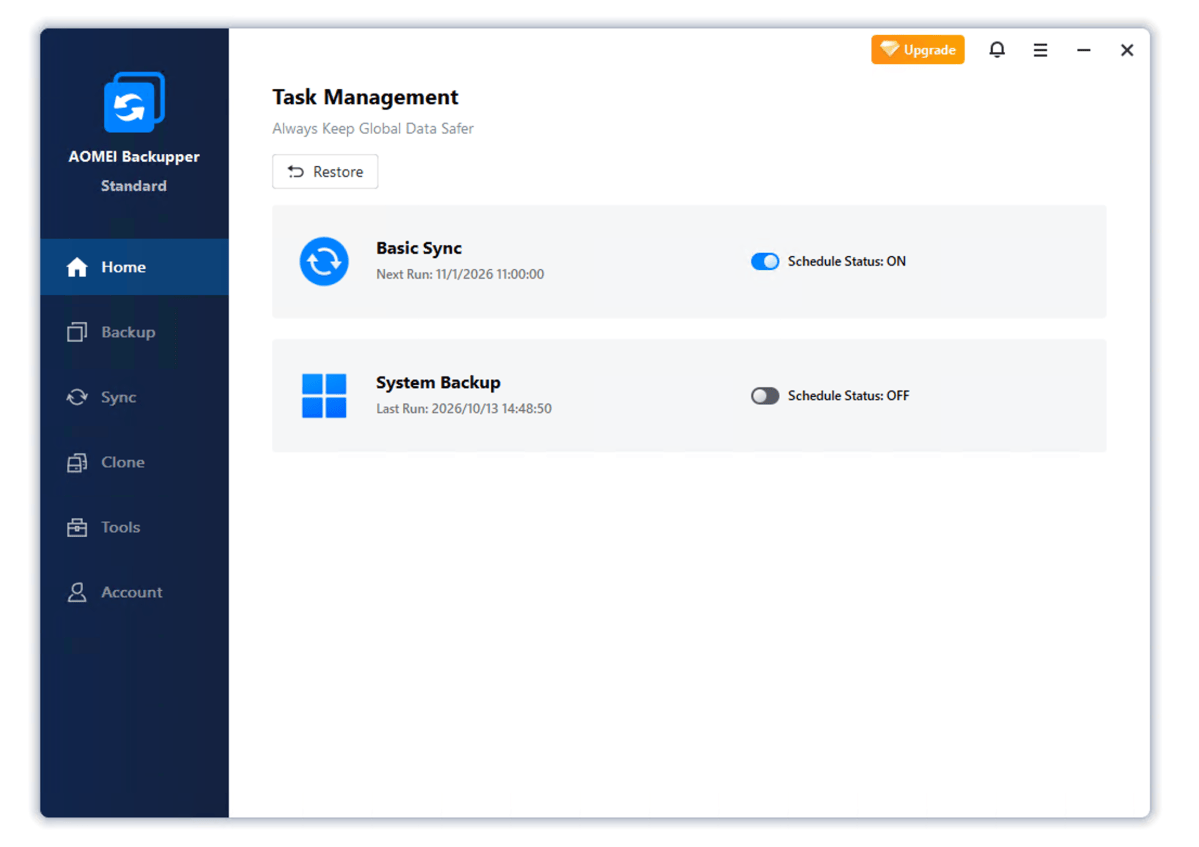
Backupper Professional features that are missing in Standard include: mirroring, two-way, and real-time sync; culling of backups (removing old unneeded files to make room for more); system clone and partition functions; as well as advanced features like the recovery environment (a hidden partition on your main drive that you can boot from to restore), PXE boot (network boot), command line usage, etc.
