We’re still on board with the program, but being subscription-only, it’s also teetering on the edge of pricey overkill for the average user.
Read on to learn more, then see our roundup of the best Windows backup software for comparison.
What are Acronis True Image’s features?
There’s a lot to cover in a program as comprehensive as True Image. I’ll get to the anti-malware and security features in a bit, but as the program started life as a fantastic and reliable backup program — let’s talk about that first.
True Image creates image files (container files created from data sectors) from drives or partitions, as well as selected files and folders. These can be full (everything), incremental (everything since the last backup), or differential (everything since the initial backup).
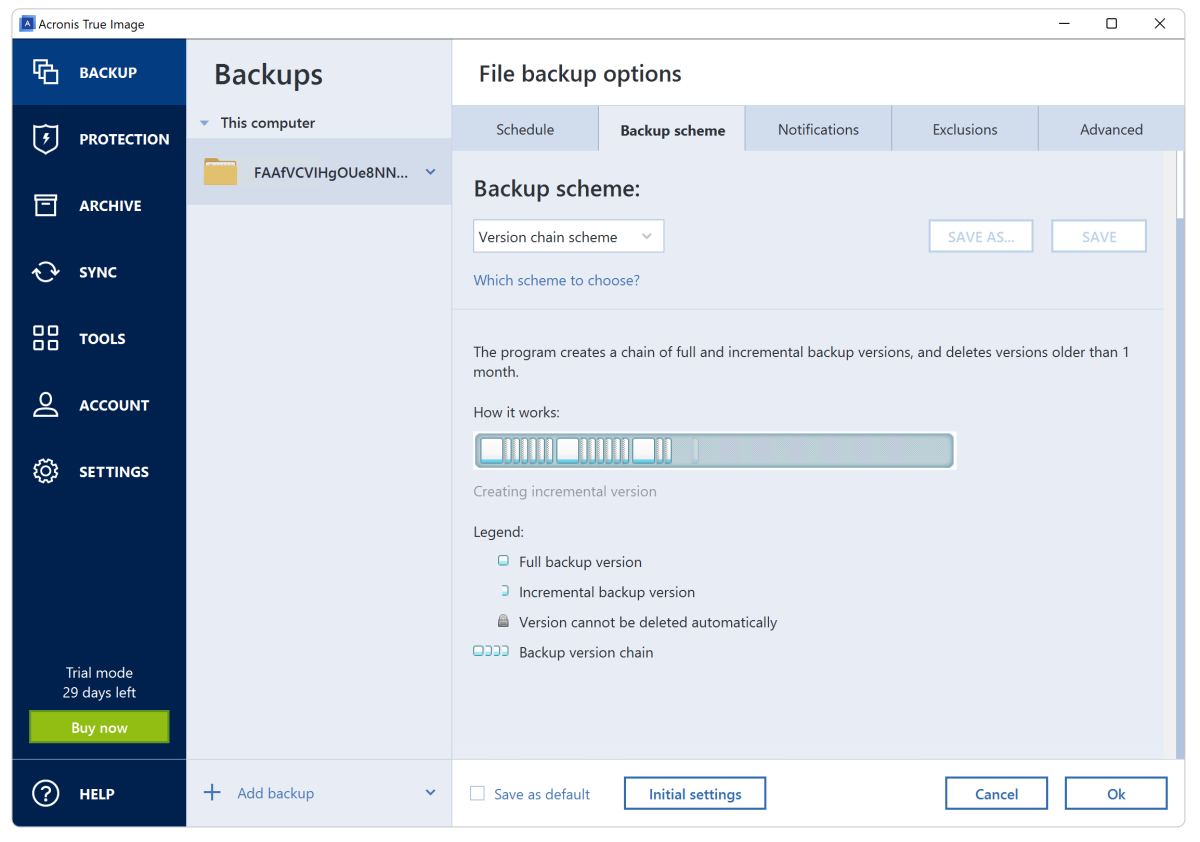
There are different “schemes” you can employ using the backup types described above, which describe how to mix and cull them — e.g., the “Version chain scheme” shown below periodically creates full backups, creates incremental backups in between, and deletes everything over a month old.
Note that I’d only use the “Version chain scheme” alongside a full backup that is never culled.

A host of other options are provided such as granular scheduling (to the hour), notifications, running programs pre- and post- backup, image-splitting, verification, and even a reserve copy of the backup.