Table of Contents
Asus ZenBook 14: Premium design in new colors
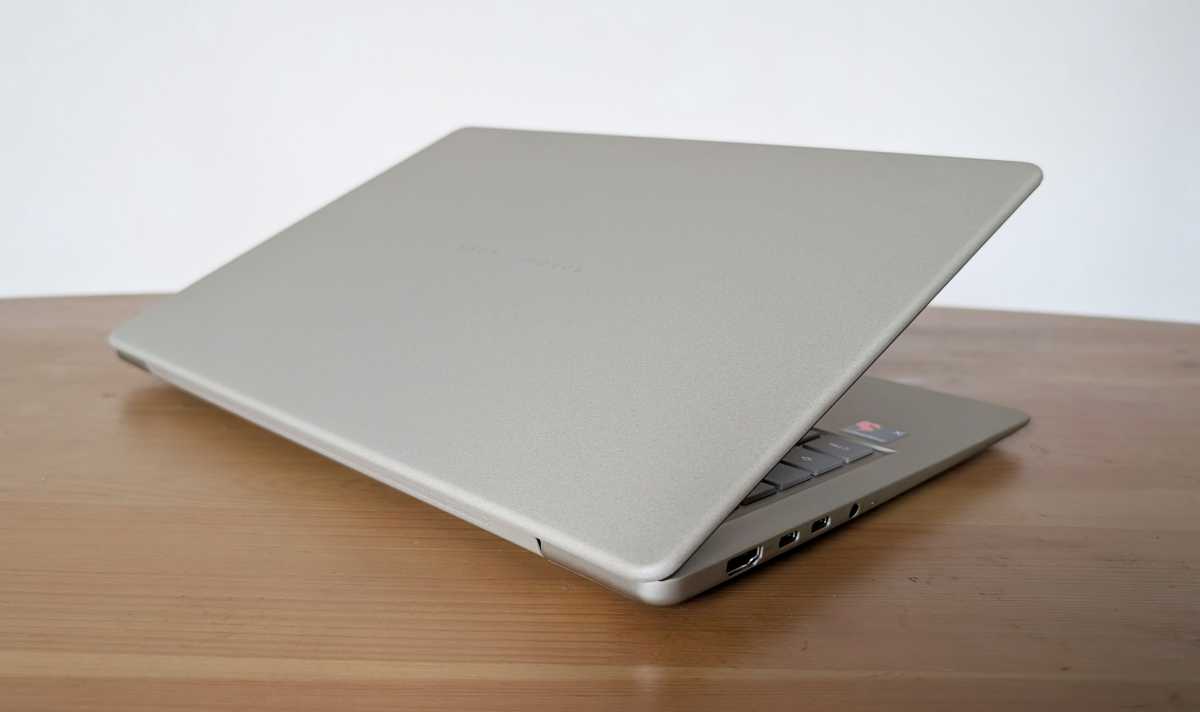
Asus hasn’t compromised on build quality to keep the price down. The chassis is durable and ergonomically designed, with rounded edges, a well-built and thoughtfully designed keyboard with clear backlighting, a smooth-action screen hinge and a large touchpad with precise control.

Asus
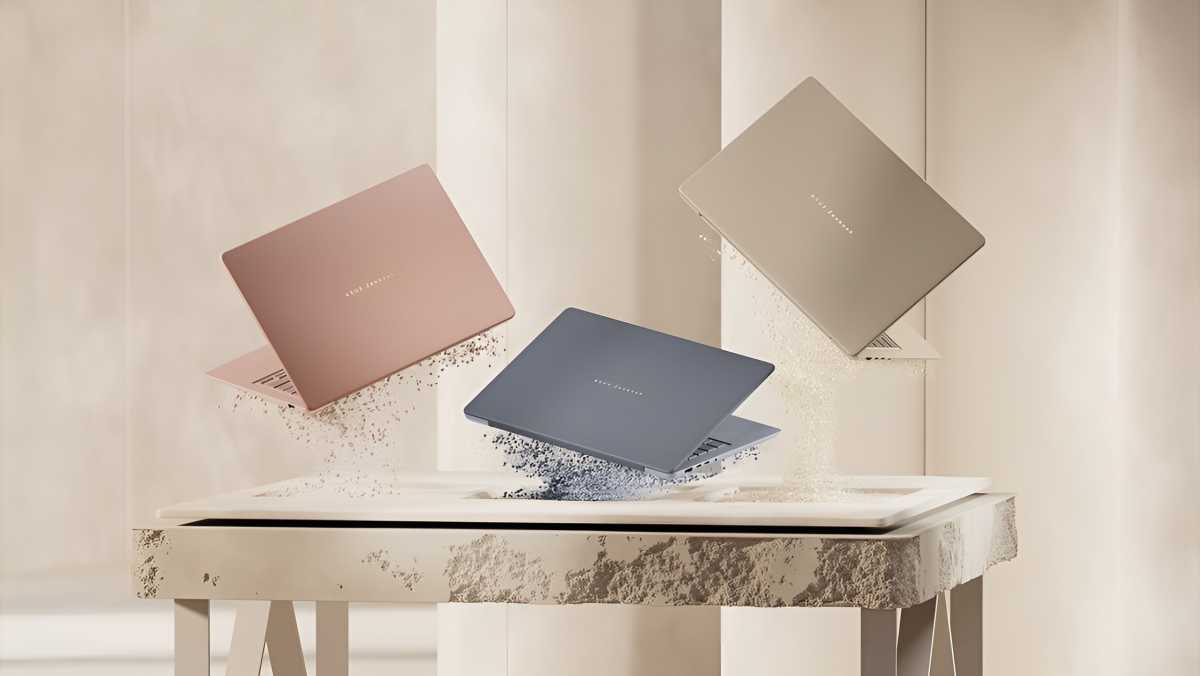
They call the material “Ceraluminium” — aluminum with a ceramic-like finish. Once again, the laptop is available in the sandstone-like color Zabriskie Beige. There are now also two other colors to choose from: a grey-blue and a coral-colored pink variant. All three are really stylish.
You get the same expected array of external ports on the sides: two USB-C 4 ports with DisplayPort support, one USB-A, one HDMI port and a headphone jack. One area where Asus has cut corners is Wi-Fi. You won’t get Wi-Fi 7 support here, but you do get Wi-Fi 6e, which is good enough in the vast majority of situations.
Asus ZenBook 14: Slower, but still fast
The areas where Asus has cut corners the most to keep the price down are performance and storage capacity. You get the previous-generation Snapdragon X instead of the Snapdragon X2 Elite found in the ZenBook A14; as mentioned, you get 16 GB of RAM instead of 32, and a 256 GB SSD with no option for more – at least at the time of this writing. Memory and storage are expensive, and this is where Asus is saving a lot of money.

Mattias Inghe
The SSD is also of the PCIe 3.0 type rather than PCIe 4.0, which is found in most top-of-the-range models at the moment (including the 512 GB model of this laptop, apparently). This means a read speed of around 3,500 MB/s, whereas the best drives today offer speeds of between 6,000 and 7,000 MB/s.
The performance is still perfectly adequate. Asus markets this as a good student laptop, and I can only agree. It’s more than capable of handling all everyday tasks, such as working in office software, browsing the web, emailing, taking part in webcam meetings, and streaming video.