
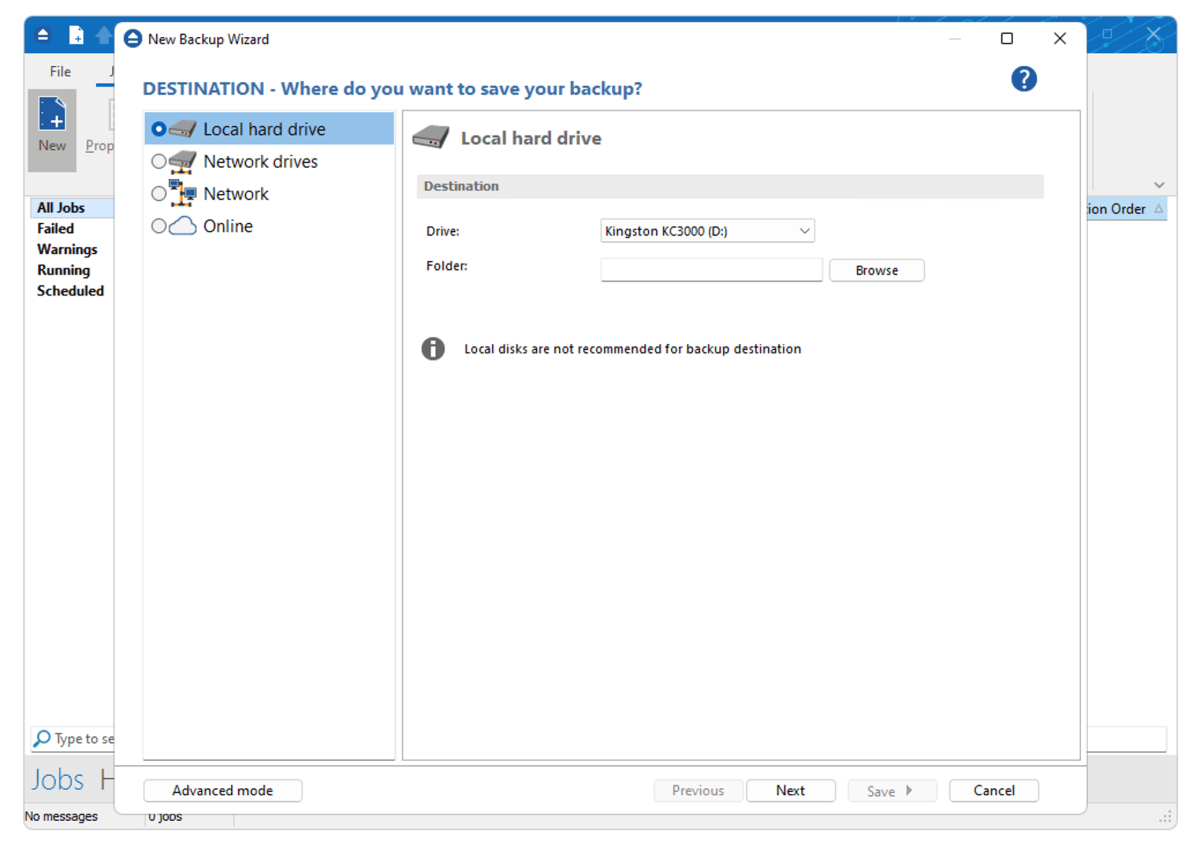
All the usual backup functionality and options are provided such as email notification, scheduling, media rotation, encryption, compression (zip), file include/exclude filters, comprehensive logging, and more.

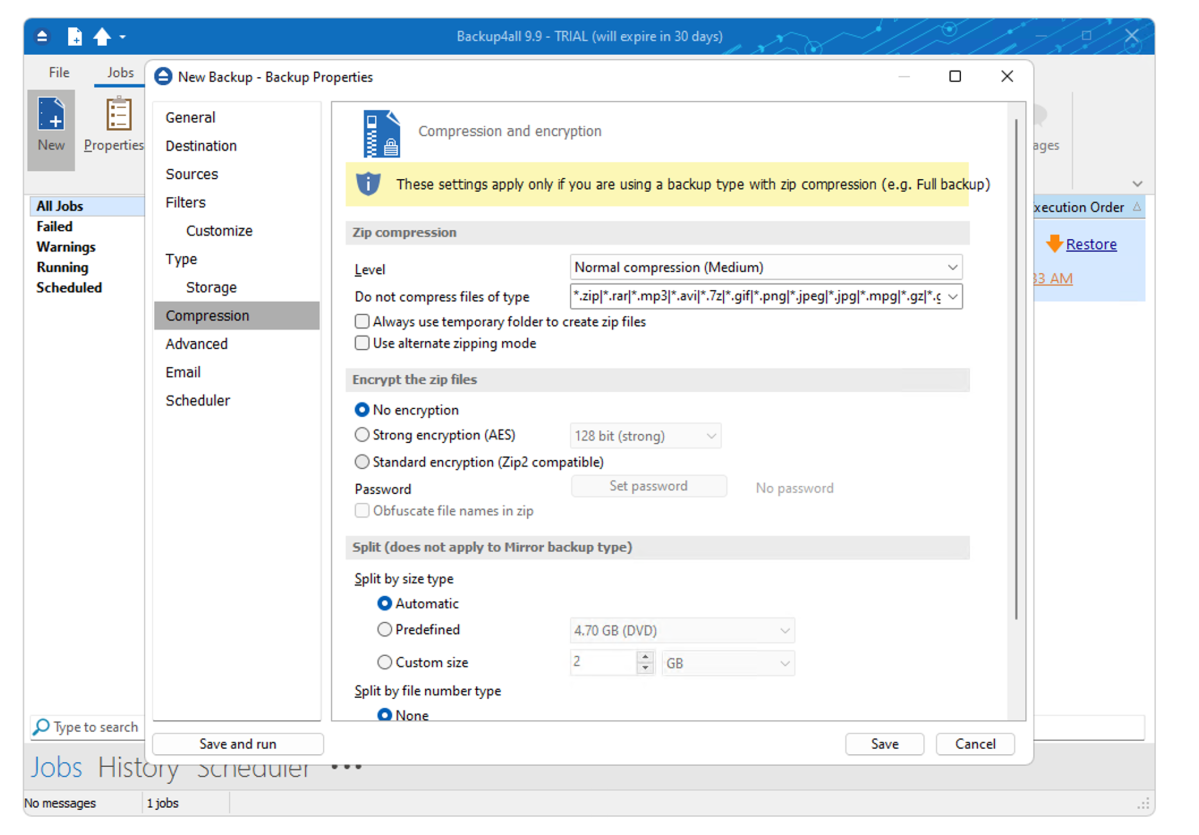
Backup4All also provides some nice perks that I wish all vendors offered, such as the ability to test a backup to make sure it will start correctly, and an integrated utility to cull older backups.
IT staff dealing with lots of backup jobs will like the deep-dive features, such as search and a verbose history. You can define which columns (date, size, name, and quite a few more) are visible in the backup job list, and there’s a hideaway pane to the right of the main window that will pop out to show progress information.
Last time around, I complained about Backup4All’s lack of plain file (no compression, no container) backup. That’s been solved via mirror backups, which are basically sync. Nice. This is actually my preferred method of everyday file backup, in conjunction with the occasional full system image and point-in-time file backups.