
Build your gaming PC on budget: 5 ways to avoid overspending
Building a gaming PC is one of those activities where restraint can be difficult. Naturally, you want to get the best PC that your money can buy. But in the decision-making process it’s easy to overstretch and end up spending way more than you need to. Here I list five of the most common ways PC builders waste money when building a gaming rig.
Table of Contents
Don’t go too big with the power supply
It’s easy to over-spec your power supply and go too big. That doesn’t mean you don’t want to upgrade when you need more power. For example, say you have a less powerful graphics card like an AMD 7600 XT running on a 500W power supply, but later on you find a good deal on an Nvidia RTX 3090 and want to swap that in. Because that card needs a lot more power than your power supply can support, you’ll need a bigger one. That’s a legitimate change that’s going to be worthwhile.
But it’s easy to go too big. If you look at the difference in price between a 500W power supply and a 1,000W power supply, it can be substantial, so you should just use the power supply that matches your power needs at any time.


Don’t over-spec the RAM
Typically, you don’t need huge amounts of RAM in a gaming PC. Some games utilize more RAM than others, but for the most part you can get away with 16GB of DDR4 running at 3800MHz and be perfectly fine for years to come rather than splurging on the latest DDR5 RAM in a super-quick and large module.
The price difference between the different speeds of RAM increases exponentially. If you take the difference between RAM running at 5,200MHz and RAM running at 7,200MHz, it can often be double the price. What you’ll often find, too, is that the RAM running at a higher transfer speed has a slower timing than the RAM with the slower transfer speed, so it doesn’t always make good sense to go for the RAM with the faster transfer speed and the higher price.
Resist gaming editions or specialist hardware
Manufacturers found out eons ago that if they put “gaming edition” or “founders’ edition” in front of a piece of hardware, it can be very tantalizing to buyers. That doesn’t mean the hardware is any better than the standard version, it’s usually just an aesthetic difference that gives that impression, like RGB for example.
That said, gaming edition hardware usually costs a premium. So, if you’re shopping for anything and you see the words “gaming edition” or “founders’ edition” in the name, it doesn’t necessarily mean the item is bad, just don’t be fooled into thinking it’s going to give you an edge in performance — i.e., your cash can go further with a less expensive option.
Avoid RGB components
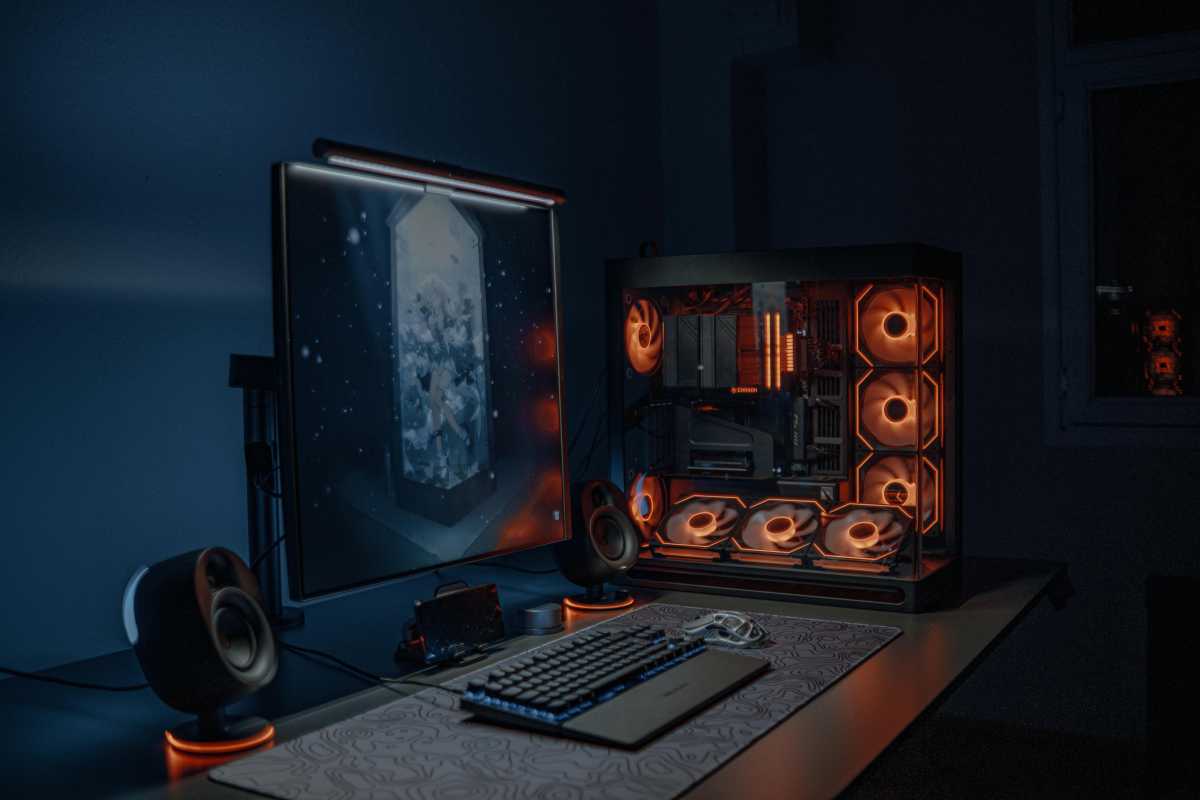
As well as buying expensive founders’ edition hardware, you may be tempted to buy gaming gear decked out with RGB. But if you really want to save money, you should avoid it. The truth is that your PC games are going to run the same regardless of whether you have RGB or not in your hardware, so buying more expensive RGB components isn’t a good idea.
RGB truly is for show purposes unless it’s for keyboard backlighting, so carefully consider whether your money could be better spent on parts that deliver more bang for the buck.
Pexels: Atahan Demir
Don’t over-spec the storage
If you look at two SSDs from different generations — PCIe Gen 3 and Gen 5 — you’ll notice a huge difference in price, in some cases upwards of $200. That would make you think there is going to be a significant performance difference between them, and under controlled conditions there is, but I guarantee you that you won’t notice the difference when you’re gaming and surfing the web and just using your PC for general computing.
Even a high-MB transfer rate of 12,400MB/s is going to be hard to notice compared to a slower 3500MB/s transfer rate. To notice the difference, you’d need to be moving a large file from one location to the next, which unless you’re a professional that deals with large files, you’re not going to be doing. So, know that you can get away with a PCIe Gen 3 or PCIe Gen 4 SSD for gaming and don’t necessarily need a PCIe Gen 5 SSD.
Related content
- Why PC gamers shouldn’t waste money on a PCIe 5.0 SSD
- 6 reasons to skip RGB lights in your PC
- Best SSDs: From SATA to PCIe 5.0, from budget to premium


