
Tech News
Don’t want AI in your browser? Firefox now lets you shut it off
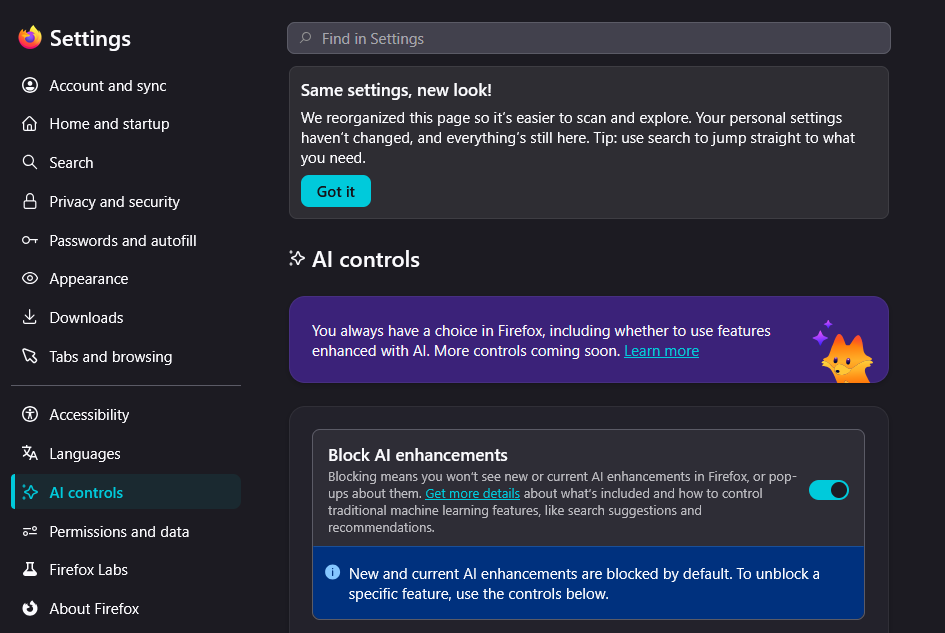
Foundry / Ashley Biancuzzo
If you toggle it to On, a window will appear in which you must confirm the change by clicking Block. The confirmation window also tells you which features you’re disabling via the toggle. These include, among other things, translations, suggestions for tab groups and a configurable chatbot in the sidebar.
You can re-enable the AI-powered translations and the chatbot using the drop-down menus under On-Device AI and AI Chatbot Provider in the sidebar. For chatbots, you can choose from six different LLMs, including Google Gemini and Microsoft Copilot.
