
eMeet SmartCam C960 Ultra webcam review: Almost perfect
Table of Contents
eMeet SmartCam C960 Ultra: Excellent low-light performance (with one caveat)
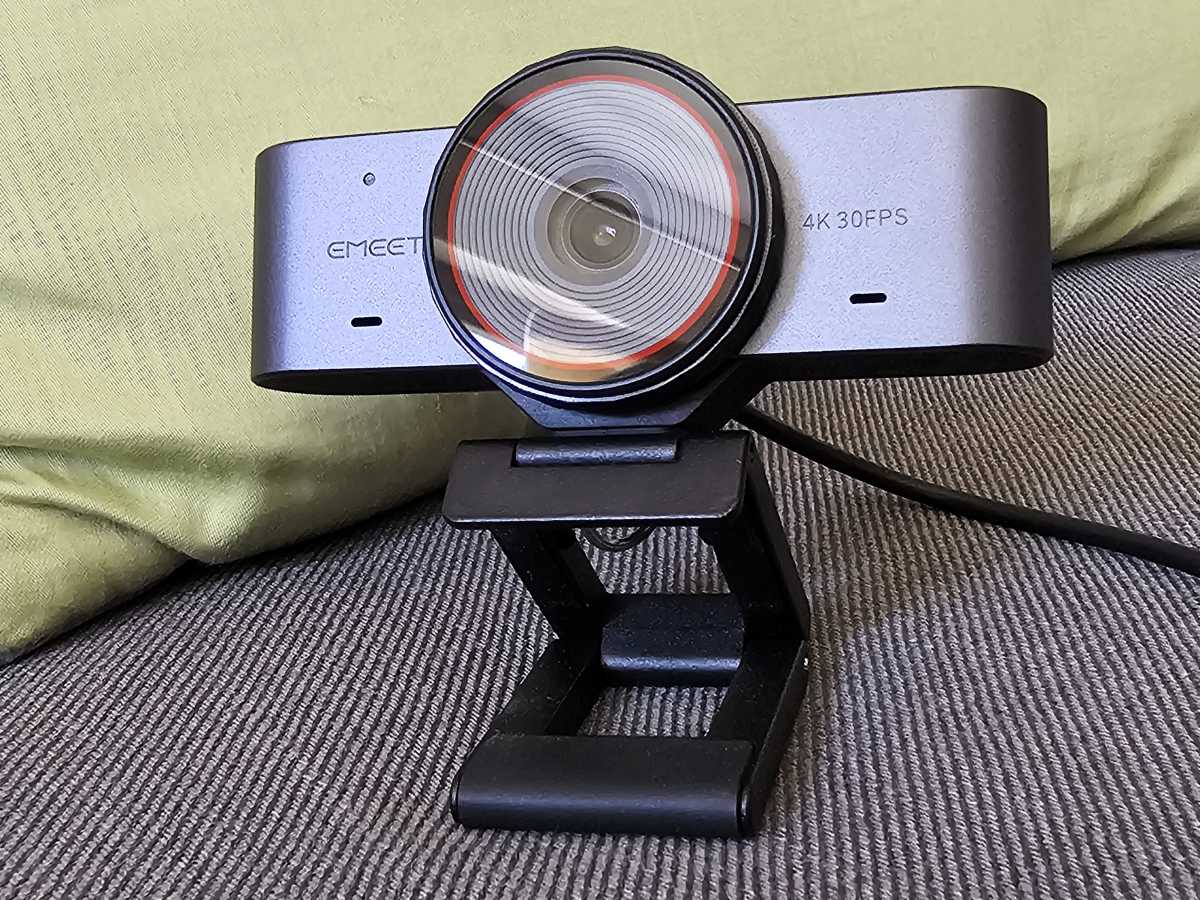
Webcams matter, especially as a work-from-home home productivity tool. You’ll want to look your best under various lighting conditions without spending a bunch on a lighting setup, and the eMeet C960 delivers… with one exception. The C960 Ultra takes its cue from the TVs you see in big-box electronics stores: they’re tuned to deliver over-the-top saturation. The same goes here. In a low-light setting, the C960’s performance is exceptional, rivaling a high-end webcam. However, it gave my slightly ruddy complexion an exaggerated red tinge.
Fortunately, a bit of tweaking in Windows settings solved the problem even before I explored the webcam’s capabilities with the associated eMeet Studio customization software — though that software only runs on x86 PCs, not Arm.
Mark Hachman / Foundry
The webcam captures video at resolutions up to 2160p (4K) at 30Hz, down through various resolutions including 1080p at both 30 and 60Hz, for that “TV-like” appearance. The field of view is 73 degrees, nice and tight for a single subject (you).
The C960 Ultra 4K includes a device-level zoom, essentially interchangeable with the camera settings in the Windows settings (Settings > Bluetooth & Devices > Cameras > EMEET SmartCam C960 Ultra). However, there’s also a 1X-4X digital zoom available within the eMeet Studio software that can be used for recording and streaming.
(This webcam does not include Windows Hello biometric authentication to log you in, however. For a list of those cameras, visit our best picks for the best Windows Hello webcams.)
eMeet C960 Ultra 4K: Setup and construction
The setup is pretty simple. Inside the box, eMeet has placed the webcam, alongside a lengthy 1.5m (4.9 feet) cable that ends in a USB-C plug for the webcam and a legacy USB-A connection for the PC. (The USB-A connector is actually a passive dongle that can be removed to expose a second USB-C connector.) There is no driver software needed, and the eMeet Studio software is optional.
