Chrome actually has a built-in tool for disabling at least a portion of its telemetry recording. In the Chrome browser, select the three-dot menu icon in the top-right, then Settings > You and Google and look for Help improve Chrome’s features and performance. Toggle it off.
To further restrict how Google tracks you across sites and services, you can logout of the browser and change Chrome’s sign-in habits.
Navigate to Settings > You and Google and consider some of the available options. Select the Sign out of Chrome button to log out. You can also use the drop-down menu on the right to decide what happens when you sign in to other Google services. You don’t have to sign in to Chrome just to take advantage of your YouTube Premium account.
Your browsing history: The websites you visit

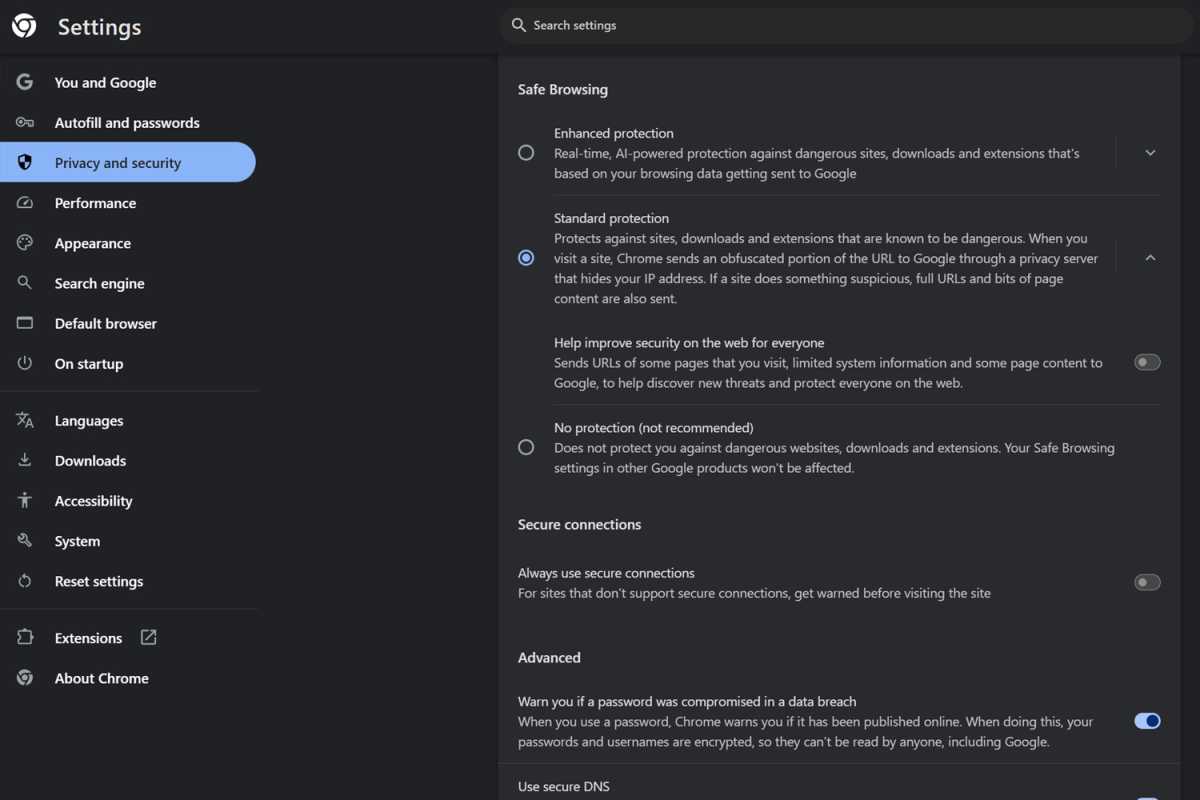
Reduce unwanted tracking by changing Chrome’s settings on web searches.
Jon Martindale
Unsurprisingly, Google’s Chrome web browser knows the websites you visit while using it. It’s been caught out collecting even in incognito mode in the past and had to settle a lawsuit just a few years ago, deleting enormous reams of data on user browser activity that it collected, even when it wasn’t supposed to.
Although we probably can’t trust Google to entirely disregard what you’re looking at in Chrome, you can at least tell it not to track some of it. Using incognito mode is a good start, but you can also adjust Chrome’s settings to reduce the chance it’s tracking which websites you visit.
Navigate to Settings > You and Google and next to Make searches and browsing better make sure to toggle that option to Off. For good measure, also turn off Enhanced spell check, as that sends what you’re typing to Google. It’ll stop the spellchecker working, but it’s a small price to pay for enhancing your privacy (at least a little).