Cookie pop-ups are a source of irritation for many of us. Almost every website we visit asks us to agree to store cookie files on our computer.
While the intention is to improve privacy, the frequent warnings can be annoying, and it’s easy to click “accept” without thinking. Some websites even design these pop-ups to get users to accept more than necessary.
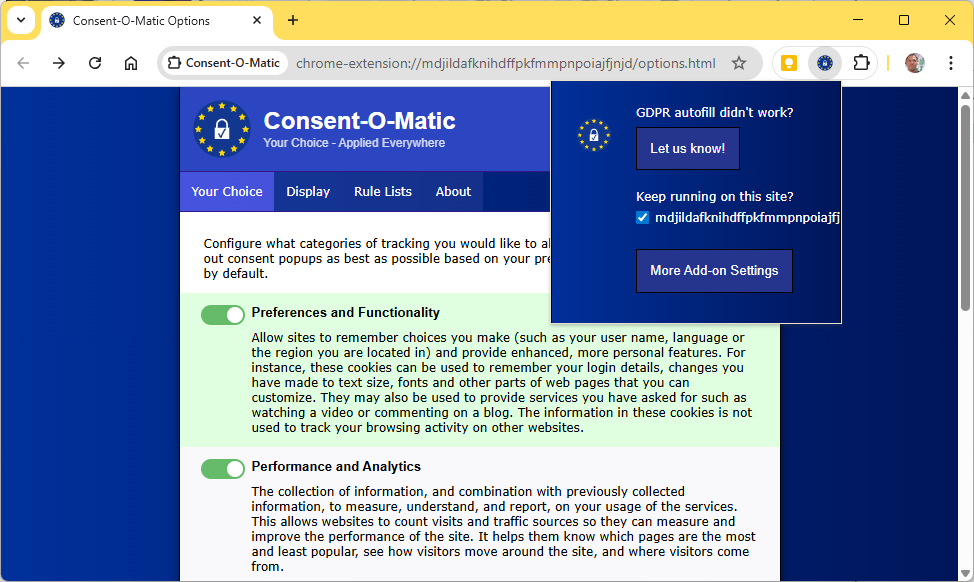
One way to reduce these pop-ups is Consent-O-Matic. This browser add-on automatically accepts and rejects cookies. Once you’ve installed it, you can go through which types of cookies to accept or reject.
When you open a new page, Consent-O-Matic tries to tick the right boxes for you. It doesn’t always work, but it definitely cuts down the number of clicks.
Developed by the University of Aarhus in Denmark, the service is open source and free to use.

Foundry