By default, Windows displays so-called widgets at the far left of the taskbar. These include, for example, current weather information or stock market prices. Clicking on the widget currently displayed opens a window where you can remove individual widgets from the selection by clicking on the three dots and selecting ‘Remove.’

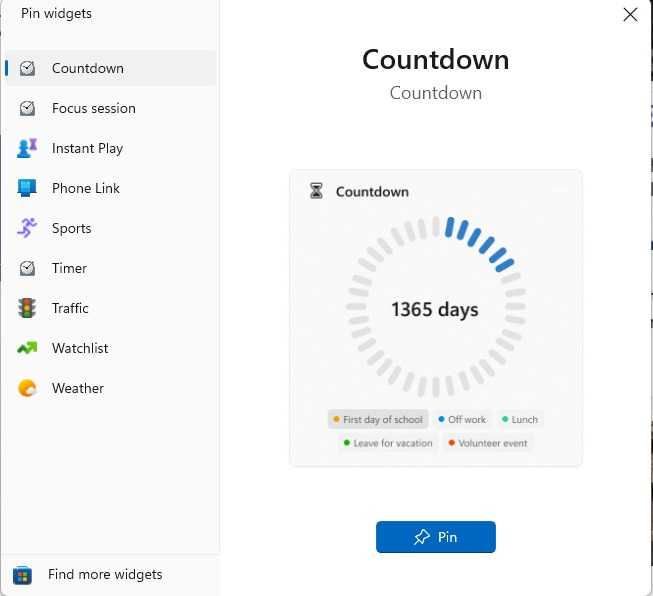
After clicking on the plus sign in the widget window, you can select further widgets for the taskbar from a list, including a countdown.
Foundry
Clicking the plus sign in the top right-hand corner, on the other hand, takes you to a list where you can add additional widgets. However, it’s also possible to disable the display of widgets completely. To do this, go to ‘Settings’ in Windows, click on ‘Personalisation > Taskbar’ and then toggle the switch next to ‘Widgets’ to ‘Off.’