
How to reinstall Windows and give your PC a fresh start
Maybe you want to make the move from Windows 10 to 11 and prefer to start over with a fresh system instead of upgrading. Maybe you have so much junk in your system that it will simply be easier to reinstall the OS and only install the programs you really need than to sit and remove everything you don’t need by hand. Whatever the reason, this is your guide to a safe and secure computer reset.
Table of Contents
Before you start
Don’t start a reset without first making sure you know you can recover your computer, and more importantly your files, if something goes wrong.
Samsung
1. Back up
No matter how you go about reinstalling Windows, it’s a good idea to review your backups and make sure you don’t have any files on your computer that you don’t have at least one copy of elsewhere. See our roundups of the best backup software and best cloud backup services for recommendations.
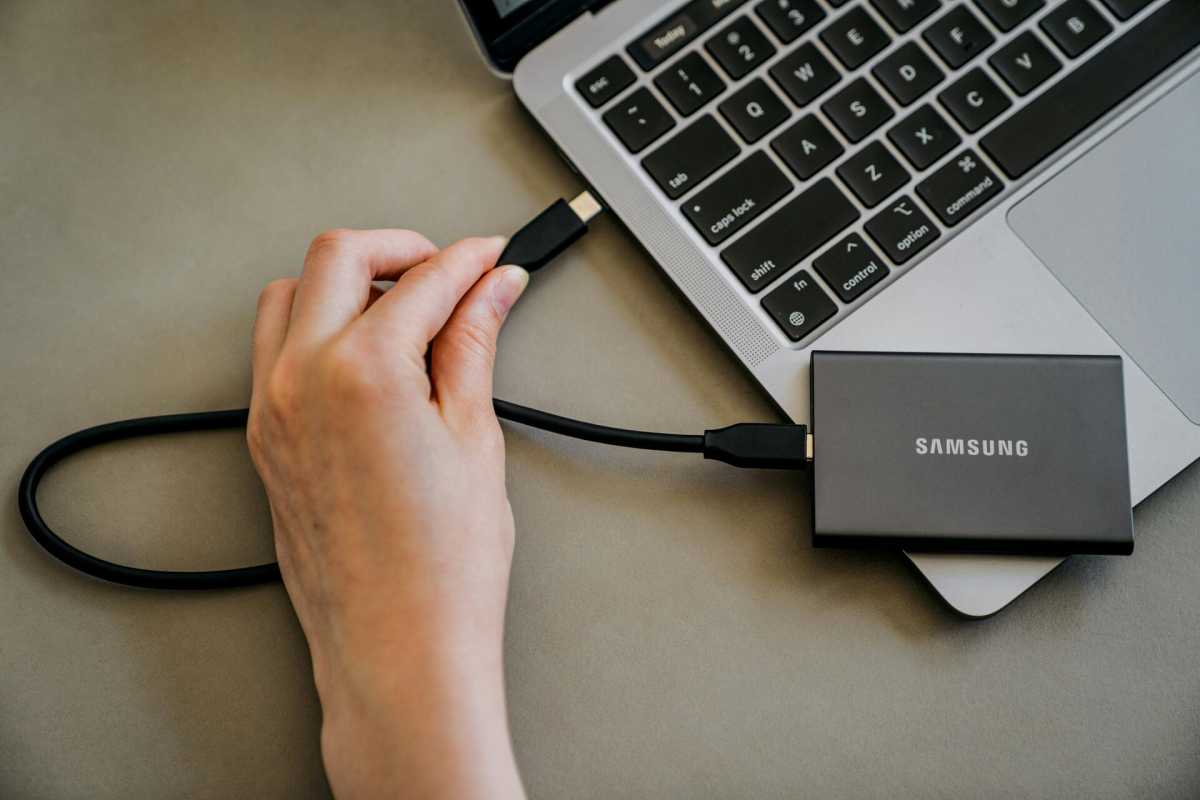
If you have an external hard drive you can spare that is at least as big as your computer’s internal disc (C:), you can create a clone of it in addition to your regular backups. A clone backup means that you mirror all the contents of the internal disc to the external one, and if something goes wrong, you can restore the same way in the other direction to get your computer back to the way it was before, including all installed programs. Choose a backup program, such as our favorite one, R-Drive Image that will do this.
Foundry
2. Remember what you have installed today
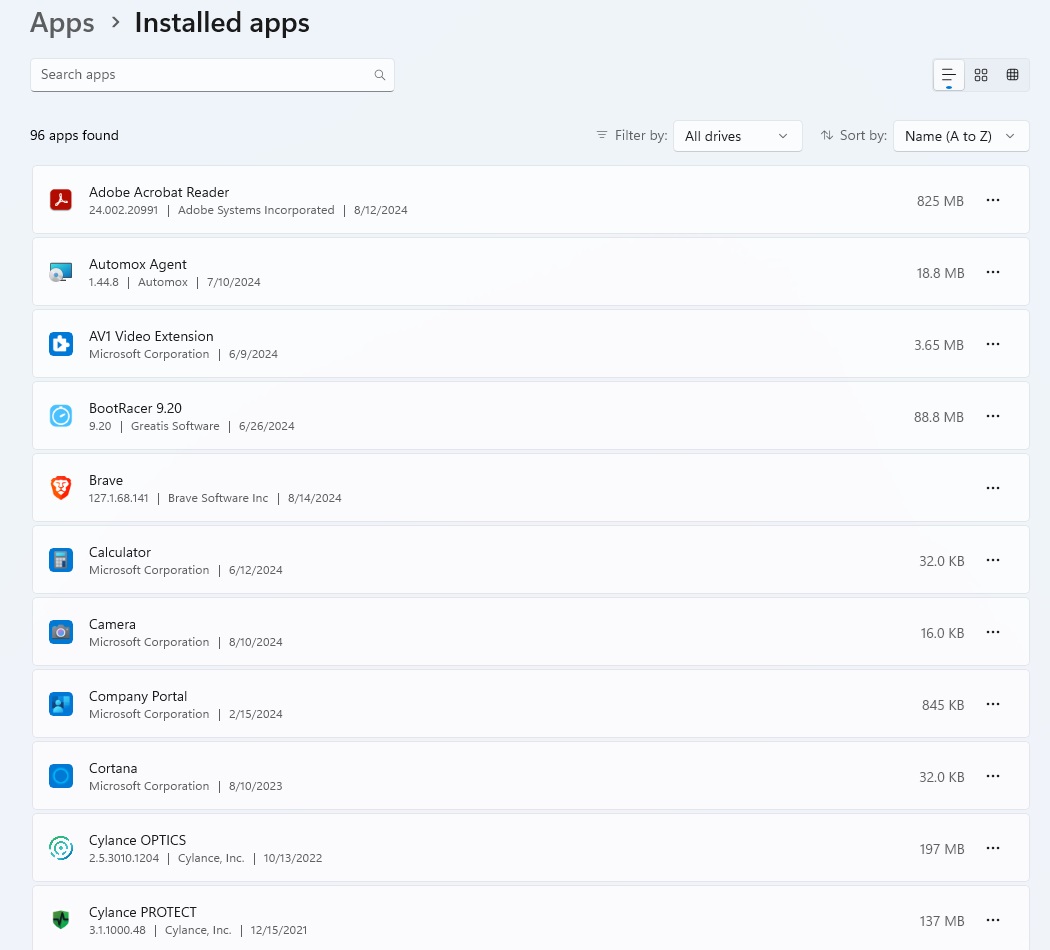
It’s also a good idea to create an inventory of what programs you have installed on your computer, and any extensions and plugins to these. The most common example of the latter is browser plugins, and it is sufficient to take a picture or write down the list of installed extensions in the browser(s) you use.
For installed applications, you can use Settings or Control Panel to get a list of all installed applications. You can then use the same list after reinstalling to see which are included in Windows and which are missing. You can then find and install the missing programs you actually want to keep and ignore the rest.
