Many PC users assume that every monitor requires its own cable to connect to the computer. However, DisplayPort offers another solution. Thanks to Multi Stream Transport (MST for short), several monitors can be connected via a single DisplayPort port. This allows you to set up a multi-monitor configuration without having to run multiple cables from the PC to the screens.

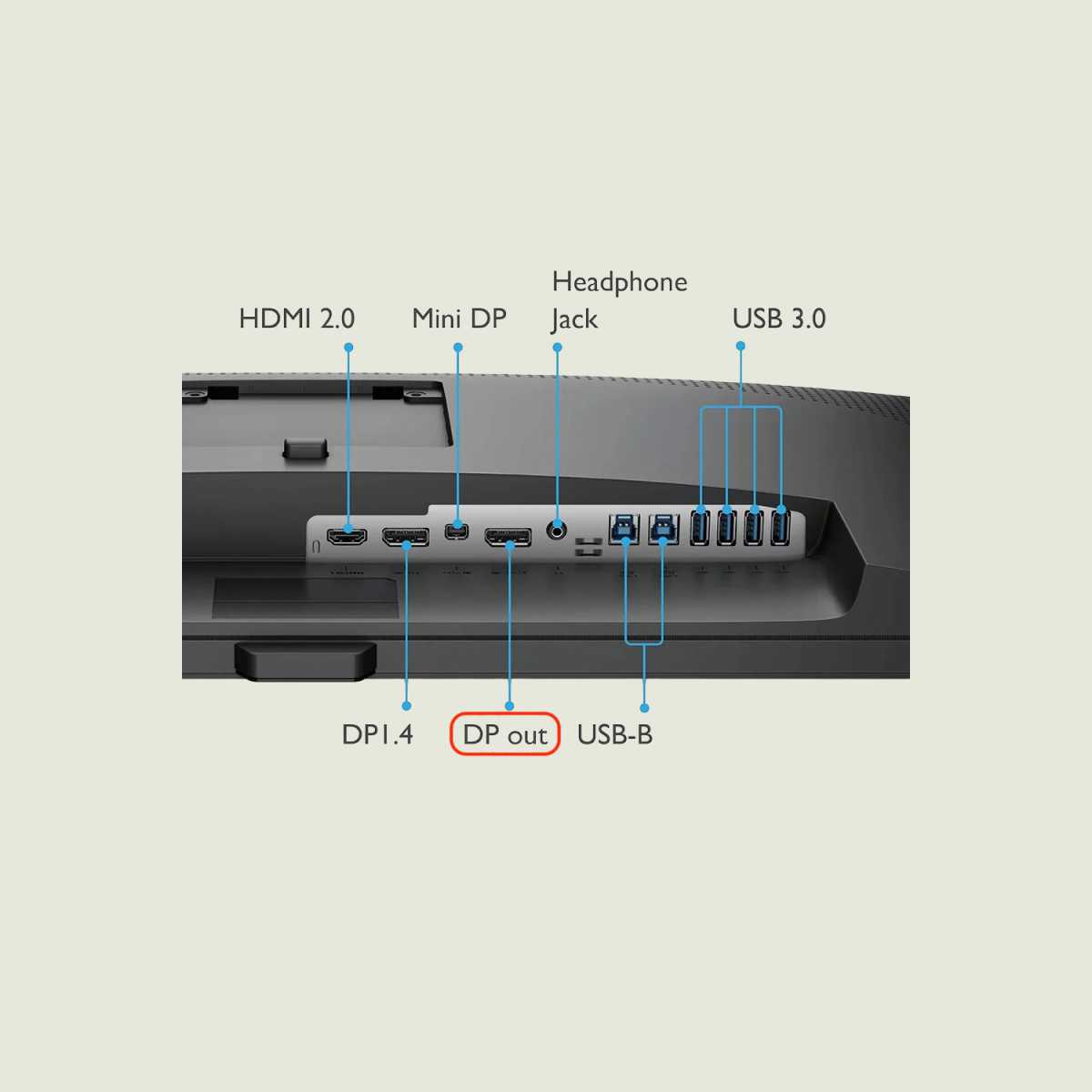
To connect several monitors to each other via DisplayPort, at least one monitor must have a DP output that relays the signal.
Ivanky
First and foremost, your graphics card must support MST. However, this feature was introduced with DisplayPort 1.2 and has been available on numerous systems since around 2013. If in doubt, it’s worth checking the device’s technical specifications. It’s equally important to have at least one monitor with a DisplayPort output. This is usually labelled “DP Out.”