Summary created by Smart Answers AI
Table of Contents
In summary:
- PCWorld reports Google’s new Gemini-powered smart glasses prototype represents a refined approach to smart eyewear, manufactured by Samsung with discreet camera and touch controls.
- The lightweight glasses integrate Google’s AI assistant for real-world navigation, search functions, and phone replacement capabilities while maintaining a normal sunglasses appearance.
- Despite improved public acceptance and seamless design, limitations include basic heads-up display, battery concerns, and sometimes forced AI features.
A decade after Google launched Google Glass to spectacular failure, it’s trying again. And I think that the world (and I) will be more receptive to what Google’s online AI interpreter, Gemini, can do when plugged into your ear.
I had a chance to try out a prototype version of Google’s XR glasses at its Google I/O conference this week. All of the eyewear talk coming out of I/O is a little confusing; Xreal and Google showed Project Aura, a wearable XR glass project they talked about last year, and Google is partnering with Warby Parker and Gentle Monster on connected glasses that will debut first in an audio-only mode, then add a small heads-up display in the corner of your vision at a later time.
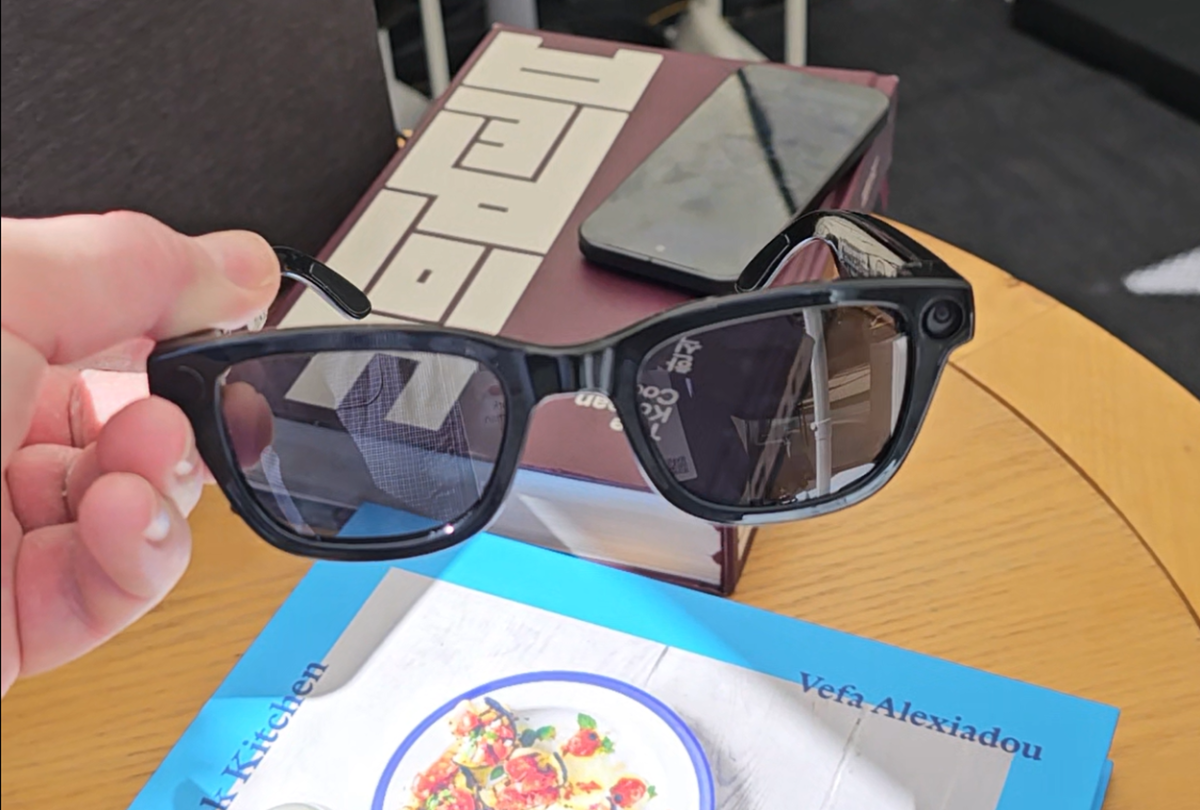
I tried a Google prototype, manufactured by Samsung, that incorporates elements of the Warby Parker and Gentle Monster technologies. It’s not a product, per se, but a vehicle to show off what Google hopes to accomplish in its new take on connected eyewear.
Honestly, the whole thing still has an aura of unreality about it all. Google’s first connected glasses, Google Glass, first debuted in 2012 as Project Glass, and honestly don’t feel that different from what the company showed off at I/O 2026, more than a decade later.

Mark Hachman / Foundry
What’s different is that attitudes towards smart glasses have completely changed; Google Glass wearers were derided as “Glassholes,” especially those who recorded people using the Glass’ onboard, outward-facing camera. Now, connected devices from Meta have been somewhat bafflingly accepted by society, even with anecdotal reports of users still taking pictures and recording video after modifying the eyewear to disable a small LED that signaled a recording is in progress. My colleague Adam Patrick Murray wears a pair around the office, and though I trust him, the recording potential still mildly unnerves me.
Those capabilities are still built into Google’s prototype, and I didn’t see (or to be fair, ask) about if a similar LED would be there when I looked around the world. But the reason Glass worked, and I think that the new Google glasses will, too — is that an AI assistant is still a handy thing to navigate the world.

Mark Hachman / Foundry
Google’s AI glasses are surprisingly light
Google didn’t answer questions about the hardware: the specs, battery life, the features of the display, camera and so on. And to be fair, I wasn’t particularly interested. The glasses are basically a way to push Google Gemini in front of you, replacing your phone.
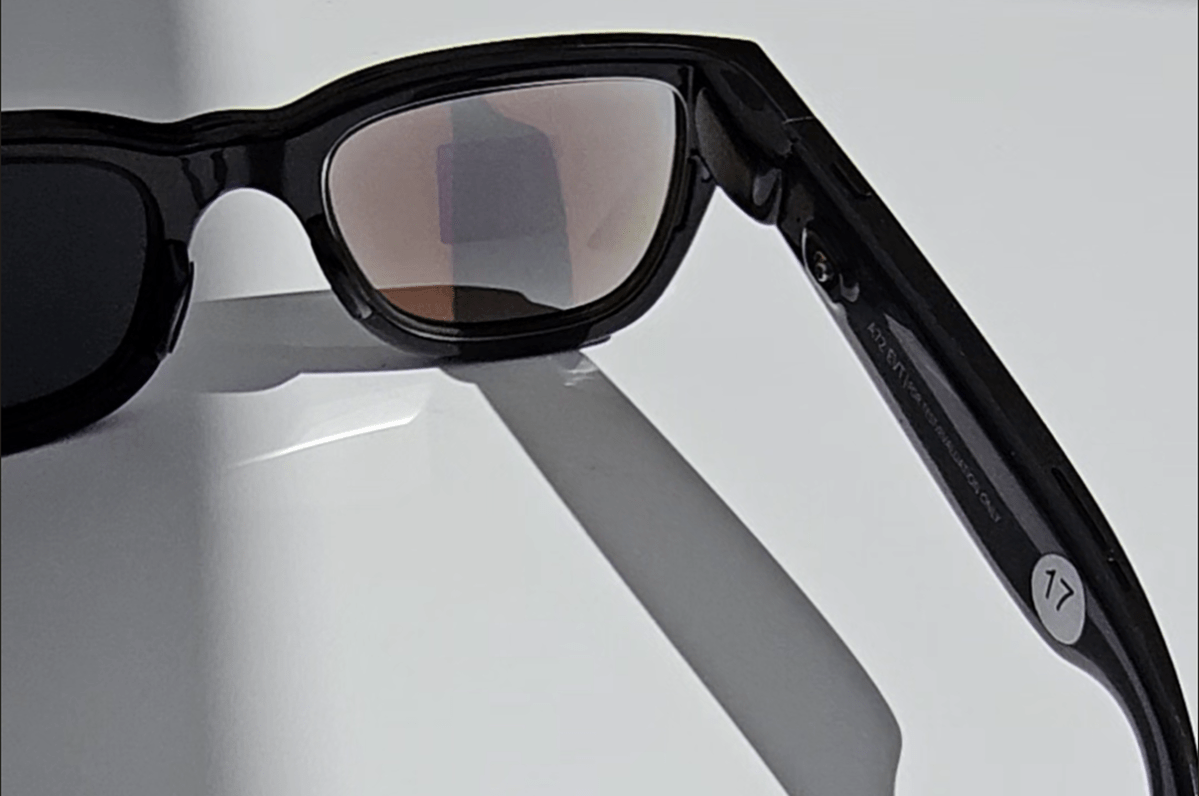
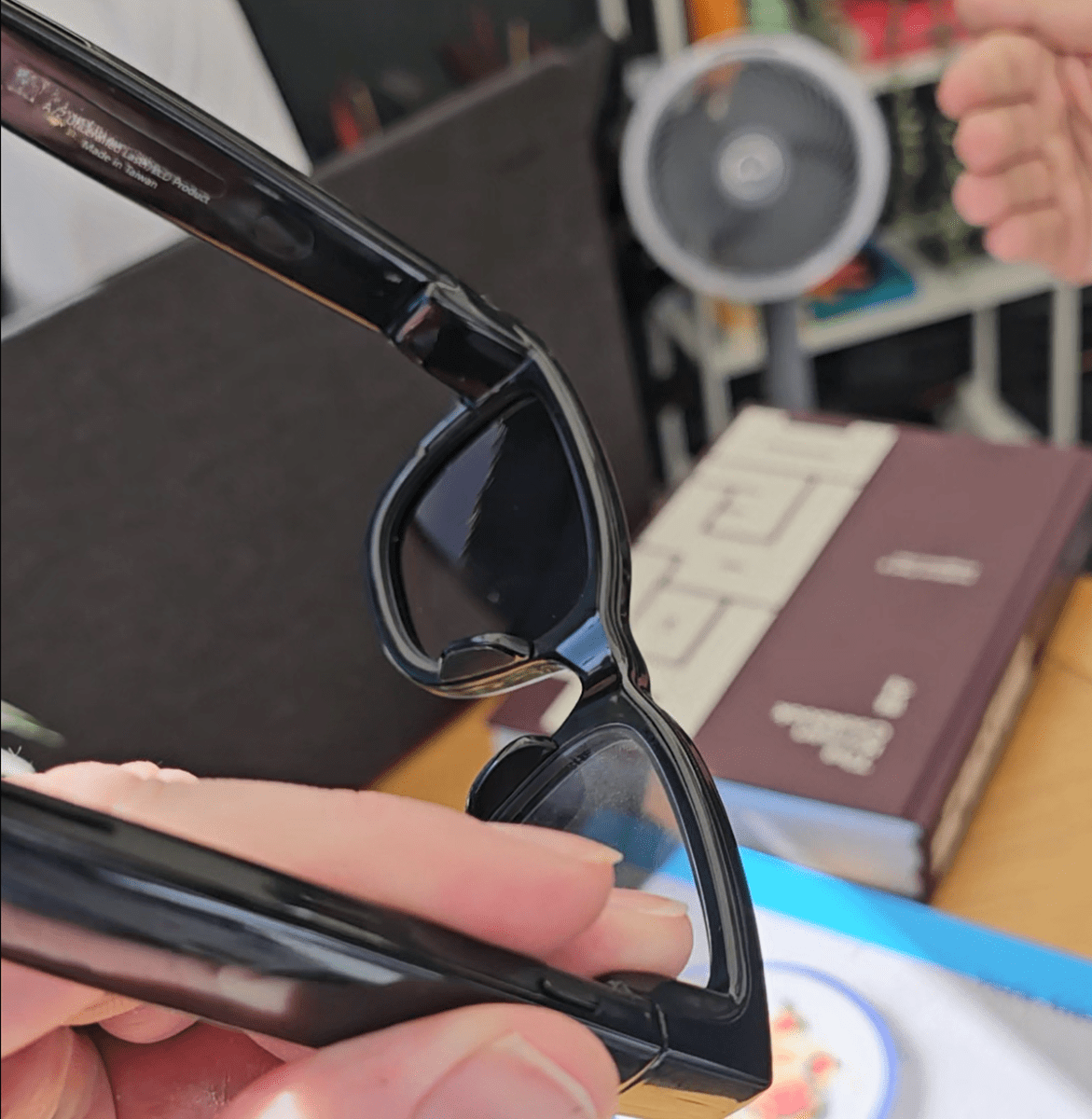
Physically, the most important thing is that they felt normal. There was no additional weight or thickness, nothing to indicate that you were wearing anything other than a pair of sunglasses out in the bright California sun. From the front, there’s a small circle that signaled the presence of a camera, along with a small button along the right frame for snapping a photo. That right-hand side of the frame also included a touch-sensitive surface upon which you could swipe and tap to trigger Gemini and control the volume of the small, integrated speakers. (Those were a little faint for the busy room the glasses were demonstrated in.)

Mark Hachman / Foundry
That’s all a plus in Google’s favor, in my book. Most of technology right now seems to be oriented toward reminding that AI exists, and for you to use it. I’d rather Gemini sit in the background, and show up when I need it to. And it does.
What can Gemini do in a pair of connected glasses?
Gemini’s there to fulfill its “traditional” role: serve as a search engine of sorts if you need help explaining what ratatouille is, for example, or how it’s made. You can play songs from Spotify, or add a reminder to take the cat to the vet. But the glasses are supposed to allow Gemini an eye into the world, too, “looking” at a concert poster and looking into tickets, or explaining what sort of wine might pair with that dish you’re looking to whip up for dinner. All of this gets piped into your eardrums via the speakers.
Granted, there’s a modicum of convenience in it all. The glasses don’t stand alone; they connect to your phone, which in turn connects to Wi-Fi or cellular data. You could pull out your phone and take a snap of a recipe just as easily. What the glasses do is simply eliminate the steps of fishing your phone out, unlocking it, opening the app, and so on.

Mark Hachman / Foundry
(Oh, and there’s no facial recognition being built in, I’m told. I made sure to ask.)
Some of the AI feels decidedly forced. Do I want to snap a photo with the glasses and then restyle it into an anime? Absolutely not. But it can, and even send it to your phone or connected smartwatch.
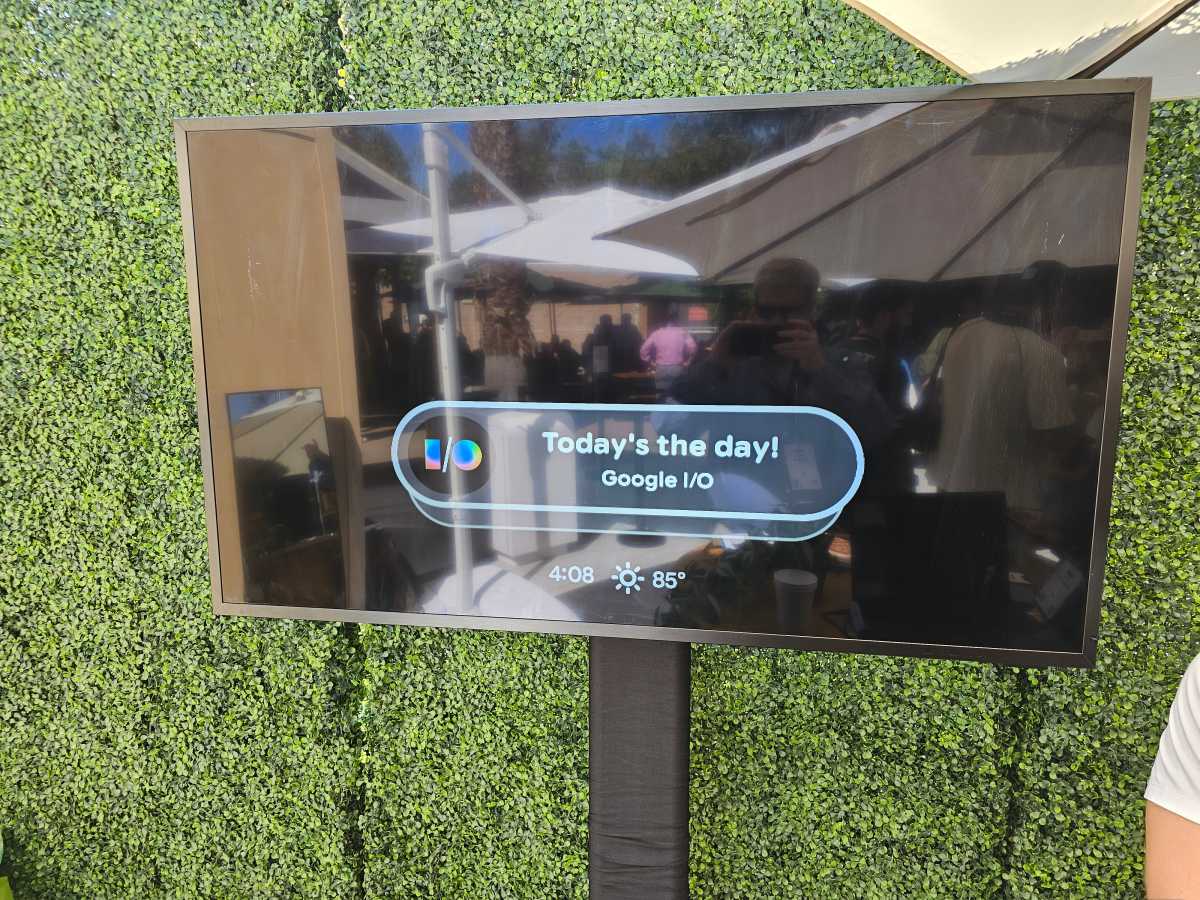
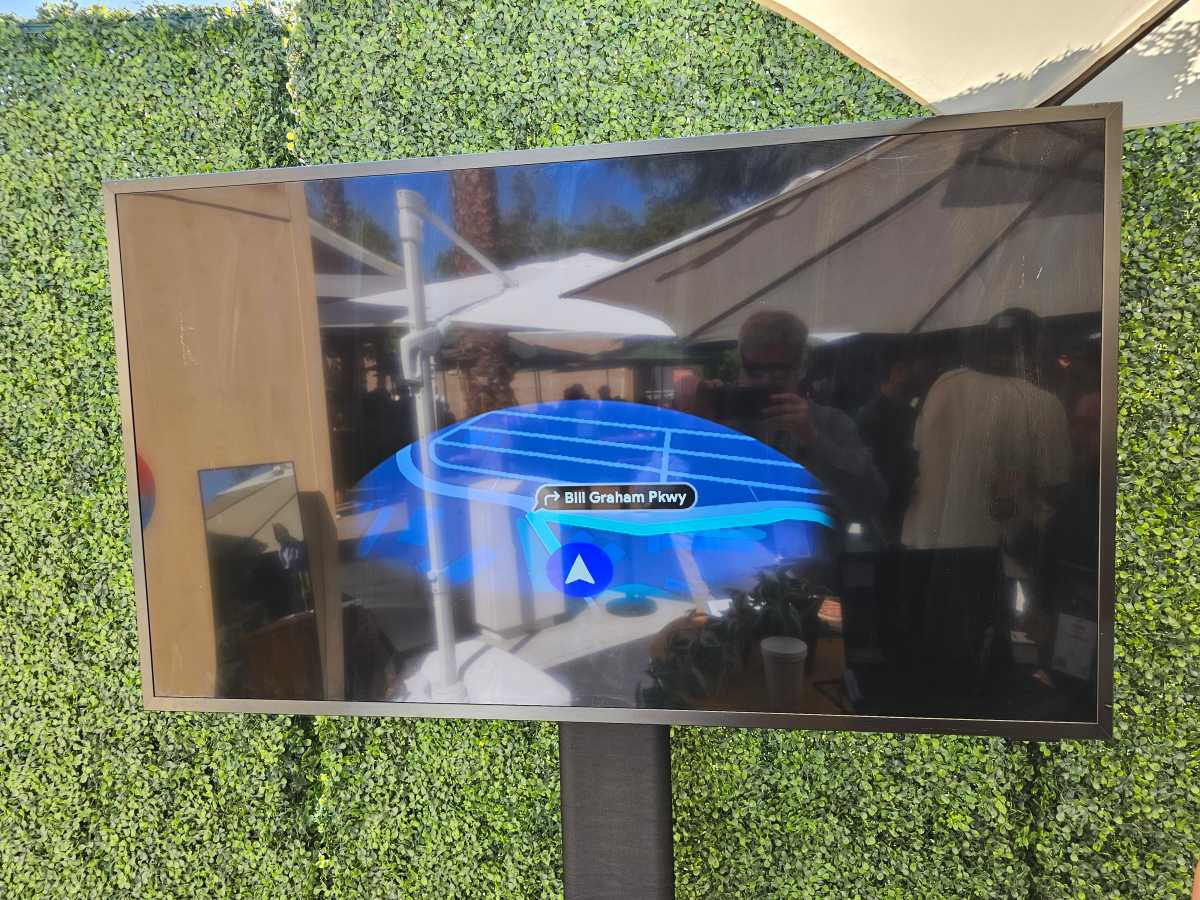
The on-glass heads-up-display (HUD) is also simplistic, and that’s fine with me. I’m going to guess that most people will find the HUD most useful to pop up reminders, or to serve as a basic navigation aid. Though I was stuck in a large complex of buildings (the Shoreline Amphitheatre, adjoining Google’s campus), the mapping feature seemed to just show me an overall map of my surroundings, rather than “turn left in 100 yards” step-by-step directions. I think I’d want that, especially navigating something like an airport, college campus, or museum, as well as just looking for a flat white.
Some of the hardware concerns will be concerns: battery life, mainly. And I’m not sure what I’d want out of a HUD — probably minimal distractions, certainly. So far, Gemini must be activated by tapping and holding the eyewear’s button, though a wake word (“Hey Google”) is intended for the final product.
Mark Hachman / Foundry
I still have qualms about privacy, though I think an overt signal (a tap or wake word) is helpful. I’m still a little hesitant about holding a close conversation with someone, then interjecting Gemini to add a reminder or an appointment or simply to ask it a question, though. That, I think is going to be a polarizing feature.
In fact — and I can’t believe I’m saying this — in certain situations, I might actually like an AI-connected eyewear to take an even more active, always-on role. Audio guides at museums steer you a curated list of exhibits, but imagine an AI popping up to relate a story on the subject of a painting after it noticed you glancing at it. There’s room for exploration here.
Still, as a general aid? Google’s Gemini glasses do feel useful. Let’s see how it all plays out.