
I’ve used multiple monitors for 20 years. Here’s what actually matters
Of course, it all starts with the monitors themselves. Here’s how you pick the best screens for a multi-monitor setup in the internet’s favorite format, a numbered list.
Welcome to the Boost Mode newsletter. Every week I share my insights on PC gaming, desktop setups, and hardware optimization. I also track down some of the most interesting PC and nerd news from around the web, plus a PC game pick you might not have seen elsewhere. Want this newsletter to come directly to your inbox? Sign up on our website!
Table of Contents
Step One: Screen Size
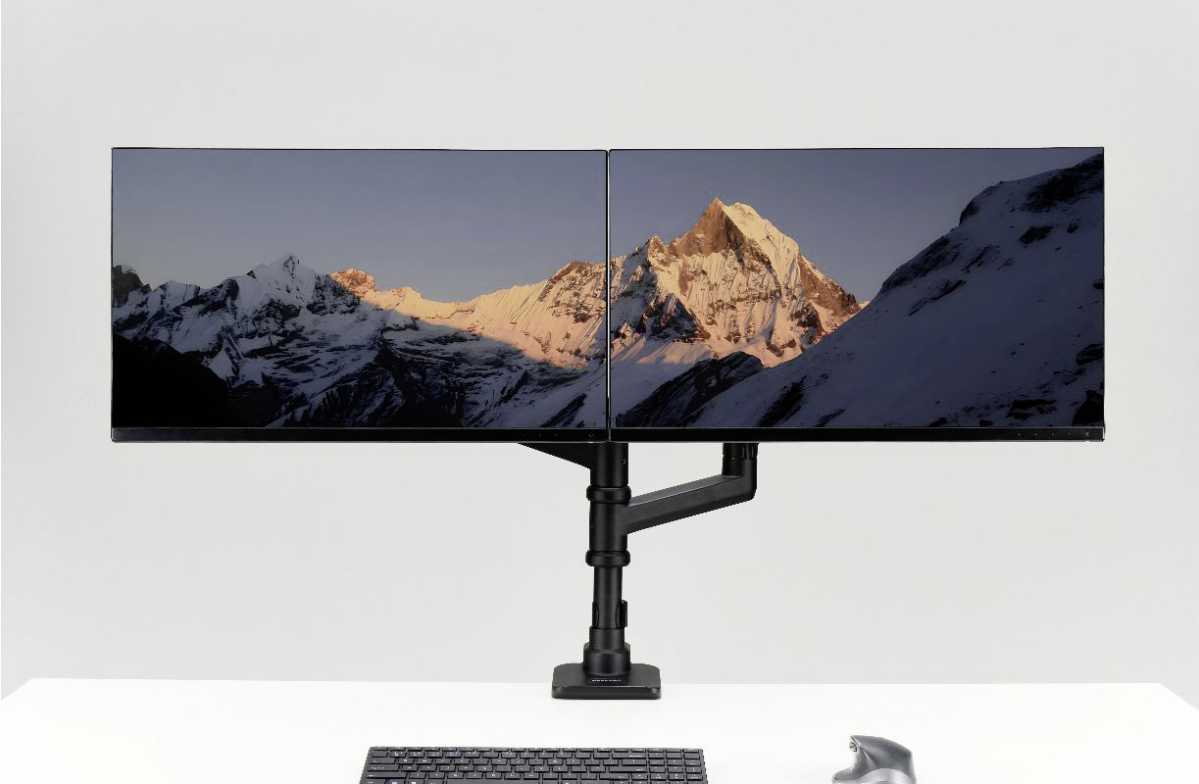
This one should be easy. Pick two monitors of the same size, and they’ll look good next to one another. Pick two monitors of the same size and resolution, and they’ll fit perfectly. For example, if you’re starting with a 27-inch, 1920×1080 screen, just buy another 27-inch, 1920×1080 screen, and your physical desk space will match. But the experience is more than physical — your desktop wallpaper, windows, text, and other user interface elements will match, too.
The easiest thing to do is just buy two of the same model monitor. Or if you’re already starting with one, buy the same model again. That’s not always possible, though. Maybe you’re looking for a more affordable option for a secondary screen — say, a primary gaming monitor with a better or faster panel, and a second one just for information. (More on that later!) Maybe your original monitor isn’t made anymore. Go for the same size and resolution if you want them to match, at least nominally.
Brateck
There’s one last thing to consider here: aspect ratio. This is the ratio of your monitor’s length to its width. Most monitors use the standard 16:9 these days — that’s the same shape LCD televisions have been using for over two decades. But there are exceptions. Some work-focused monitors use 16:10. Ultrawide monitors stretch out to 21:9, or sometimes even 32:9 (that is, two standard monitors side by side) for the gigantic screens. This is where things can get complicated, so move on to step two.
Step two: Screen density
DPI or PPI stands for Dots Per Inch or Pixels Per Inch. It’s a small detail, sometimes not even listed on a monitor’s specifications page. But it’s vital to understanding how a good multi-monitor setup works.
Let’s look at two Dell monitors for an example. The screen on the left below, the Dell 27 Plus S2725HSM, is 27 inches and 1920×1080 — pretty much the standard for any budget display in 2026. The one on the right is the Dell 27 Plus S2725DSM. They look identical, apparently having exactly the same body, stands, even colors. But the S2725DSM on the right has a boosted QHD resolution, 2560×1440. So its pixel per inch rating, 108.8, is more than 25 percent higher than the 1080p monitor, just 81.6.
