Table of Contents
Logitech Mobi Fold: Design
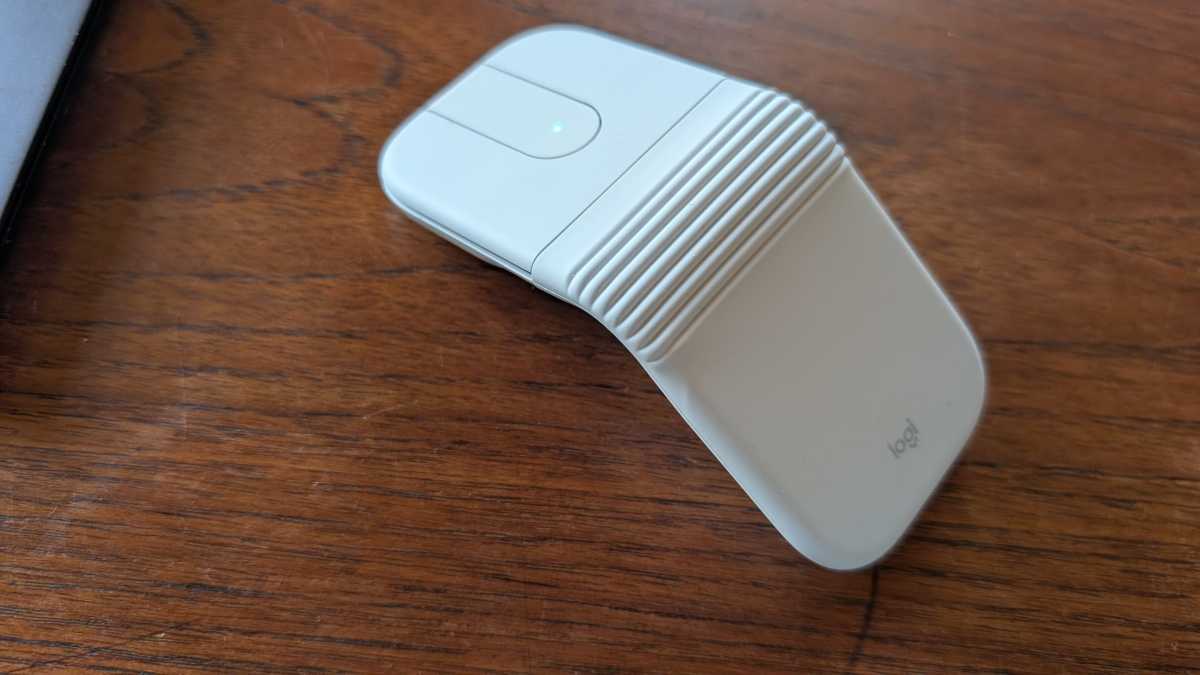
It’s a compact, lightweight device. It’s only a couple of centimeters thick when folded up. With a rounded hinge in the middle, it folds out into a low-profile tent shape, with an optical sensor on the underside, rubberized surfaces on the top, and two plastic mechanical mouse buttons at the front.

Mattias Inghe
Logitech Mobi Fold: Ergonomics
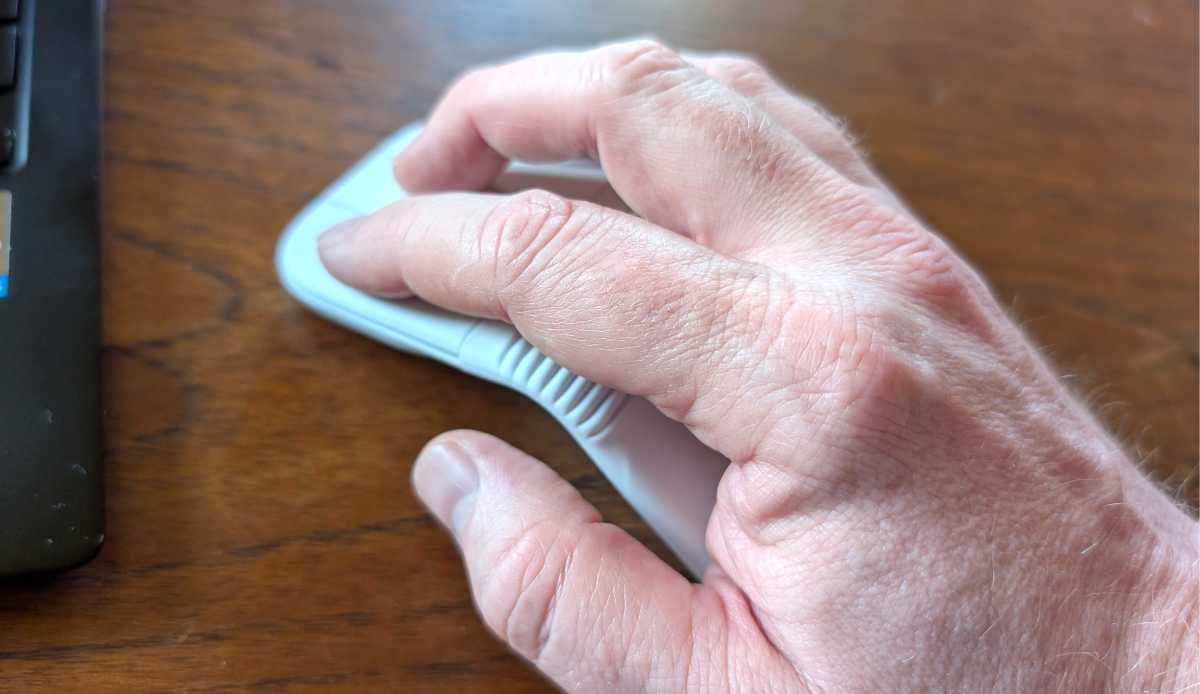
It’s far from the most comfortable mouse I’ve ever used.
It’s annoyingly narrow across the width and the flat, triangular shape isn’t exactly what I’d call ergonomic. However, the smooth silicone casing feels nice against my hand. The mouse buttons also produce a distinct mechanical click–they’ve got just the right amount of resistance.
Between the two mouse buttons, there’s no scroll wheel. Instead, there’s a touch strip, which you use to scroll. The front and back buttons also provide forward and backward navigation.
It’s far from the most comfortable mouse I’ve ever used.
If you’ve got a Windows or Mac computer that can run Logi Options Plus, you can reassign the buttons, allowing you to change things like the volume control and pointer speeds. You can also activate Logitech’s radial command menu here. You can even set one of the buttons to act as a middle mouse button. It’s a bit fiddly to set up, but it’s worth it, especially if you’re accustomed to using the middle button on your regular mouse.

Mattias Inghe
Logitech Mobi Fold: Battery life
You can access the battery by opening the hatch on the underside of the mouse. That said, it’s not a standard battery you can replace. It’s actually a rechargeable lithium-polymer battery that’s secured with a small screw. Honestly, I’m not sure why it’s accessible in the first place. It just makes the mouse more susceptible to water and dust.