
Logitech MX Mechanical review: It rattles more than you think
The MX Mechanical has mechanical switches, which raises the keys above the surface of the keyboard. They’re designed to help you make less mistakes when typing. That said, they’re tall, so you’ll need something to boost your wrists up.
Table of Contents
Logitech MX Mechanical: Noise level
One thing you certainly can’t say about the MX Mechanical is that it’s gentle on its surroundings. It comes with three different types of switches. The switches I’m using are called MX Tactile Quiet, so there’s no noticeable clicking sound. That said, the chassis itself rattles a lot when I’m typing. The suspension and frame aren’t designed with vibration and noise damping in mind at all.
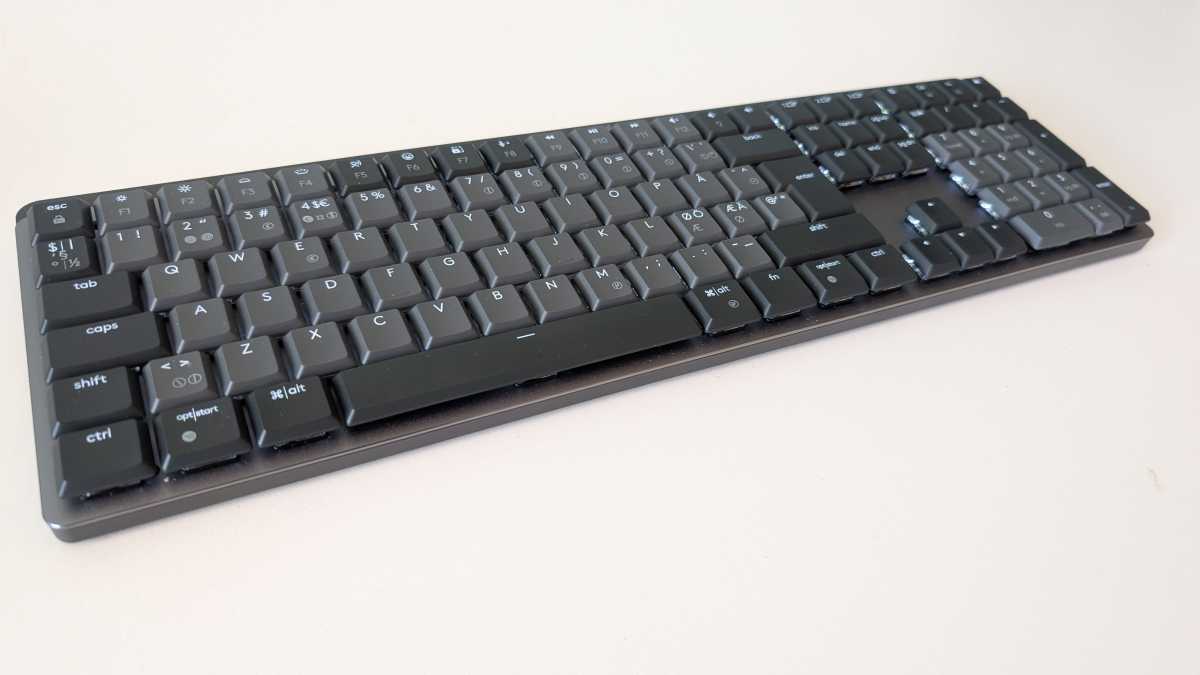
Mattias Inghe
The Clicky switches are red in color and they produce a distinct mechanical click when you press down on the keys. I can’t imagine they’re much louder than the Tactile Quiet ones, though. Whether you find this annoying is, of course, a matter of taste, but it can definitely irritate family members or cubicle buddies.
The backlighting is adjustable across seven levels. You can choose from a few lighting effects such as a wave or a keypress reaction, depending on what you fancy. An RGB keyboard is more fun. Personally, I prefer static and fairly subdued lighting.
Just like the flat MX keyboards, the backlight dims after about half a minute to save battery life. It’s activated by a presence sensor. You don’t need to be typing, just hold your hands above the keys.
Logitech MX Mechanical: Build quality, compatibility
The keyboard is solidly built with a metal plate on a plastic base. It isn’t as heavy as other mechanical keyboards I’ve tested, but it still got a little heft to it. Fold-out feet at the back allow you to adjust the angle slightly.
