
Microsoft PowerToys is still the first app I install on every Windows PC
I appreciate that some of the functionality of various PowerToys has been integrated into vanilla Windows, but I continue to find new reasons to be grateful it’s one of the first things I install on any new PC. Recently, for example, I’ve really been reminded how nice Power Display is for streamlining display management after switching back to a dual-monitor setup.
Welcome to The Full Nerd newsletter—your weekly dose of hardware talk from the enthusiasts at PCWorld. Missed the surprising topics on our YouTube show or the latest news from across the web? You’re in the right place.
Want this newsletter to come directly to your inbox? Sign up on our website!
As it turns out, I’m pretty sure PowerToys will turn 30 this year. The original release shipped for Windows 95 in November of ’96, and I can remember thinking the older kids in the computer lab at school were so cool when I heard them talking about what their PowerToys could do—I thought it was a computer game.
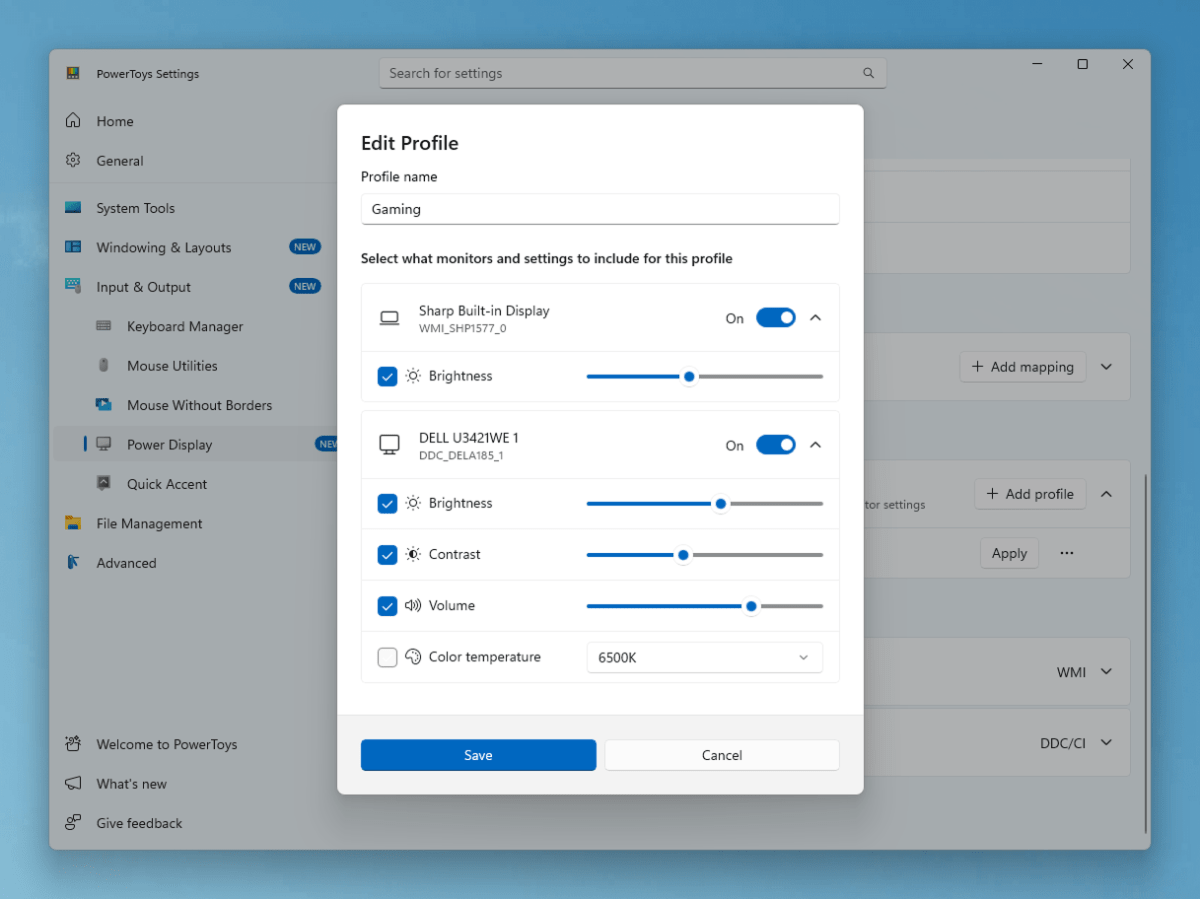
Microsoft
But these bad boys are no game. I love being able to quickly search for things via the Command Palette or sneak a peek at stuff in File Explorer via Peek, two of the 30 or so PowerToys you can currently download for free straight from Microsoft. I’m still discovering new ways to utilize these tools after years of use, and they feel like a lovely little free upgrade for Windows users in the know.
I only wish Microsoft would do a better job letting people know PowerToys exists. Here are some of our favorite PowerToys.
Do you have a favorite way to use PowerToys, or a favorite open-source project in general? I’d love to hear about it in our Discord community!
In this episode of The Full Nerd
This week PCWorld’s Brad Chacos rejoins cohosts Alaina Yee and Adam Patrick Murray to chat about AMD’s new Radeon RX 9050 and Adam’s visit to the company’s AI event here in San Francisco — next-gen Ryzen could be an absolute monster — as well as some Windows news.
