Table of Contents
Mova LiDAX Ultra 3000 AWD: App experience
The MovaHome app puts the information you need during a mowing job on one screen. It shows the mower’s battery and connection status, live position, mapped area, completed area, and overall progress. Start, pause, end, and return-to-station controls are also easy to reach.

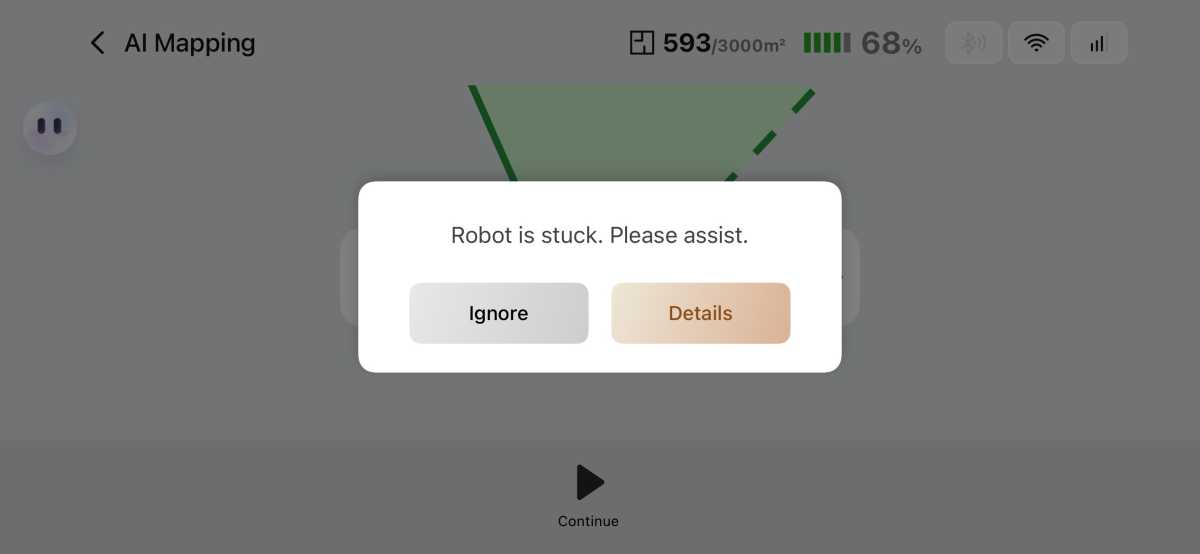
During AI mapping, the MovaHome app alerted me when the LiDAX became stuck and needed assistance.
Michael Ansaldo/Foundry
A drop-down menu allows you to switch between all-area, edge, zone, spot, and manual mowing using the virtual joystick. You can choose standard or efficient mowing, adjust cutting height electronically, set the mowing direction, and enable automatic edge mowing. Settings can apply across the whole lawn or vary by zone, and recurring jobs can be scheduled for specific days and times.
The app also supports rain protection, frost protection, do-not-disturb hours, recharge-and-resume operation, work logs, and maintenance tracking. Despite the number of options, it rarely feels crowded, and the main controls are easy to find.
Should you buy the Mova LiDAX Ultra 3000 AWD?
The LiDAX Ultra 3000 AWD didn’t deliver the automatic mapping experience Mova advertises, at least not on my complicated lawn. Driving the mower around the perimeter to map the boundary manually took more time and effort, but it also solved the mower’s navigation problems. Once the map was saved, the LiDAX stayed on the grass, handled slopes and uneven ground, and traveled along a narrow raised edge that had defeated a smaller robot mower.