Summary created by Smart Answers AI
Table of Contents
In summary:
- Microsoft now uses Edge to announce new Windows features through promotional tabs that appear after monthly updates, featuring a carousel of capabilities like Snipping Tool markups and emoji panel pinning.
- PCWorld reports this approach helps users discover features they might otherwise miss, with convenient “Try Now” buttons for immediate access to tools like the new Notification Center clock.
- The strategy balances feature promotion with user experience, allowing easy dismissal of notifications while ensuring better adoption of Windows updates and capabilities.
One of the keys to improving PC productivity is simply knowing a new tool exists. Easy, right? But it’s something that Microsoft and Windows has struggled with for years, and it finally seems like they’ve settled on a good method for alerting you to new features.
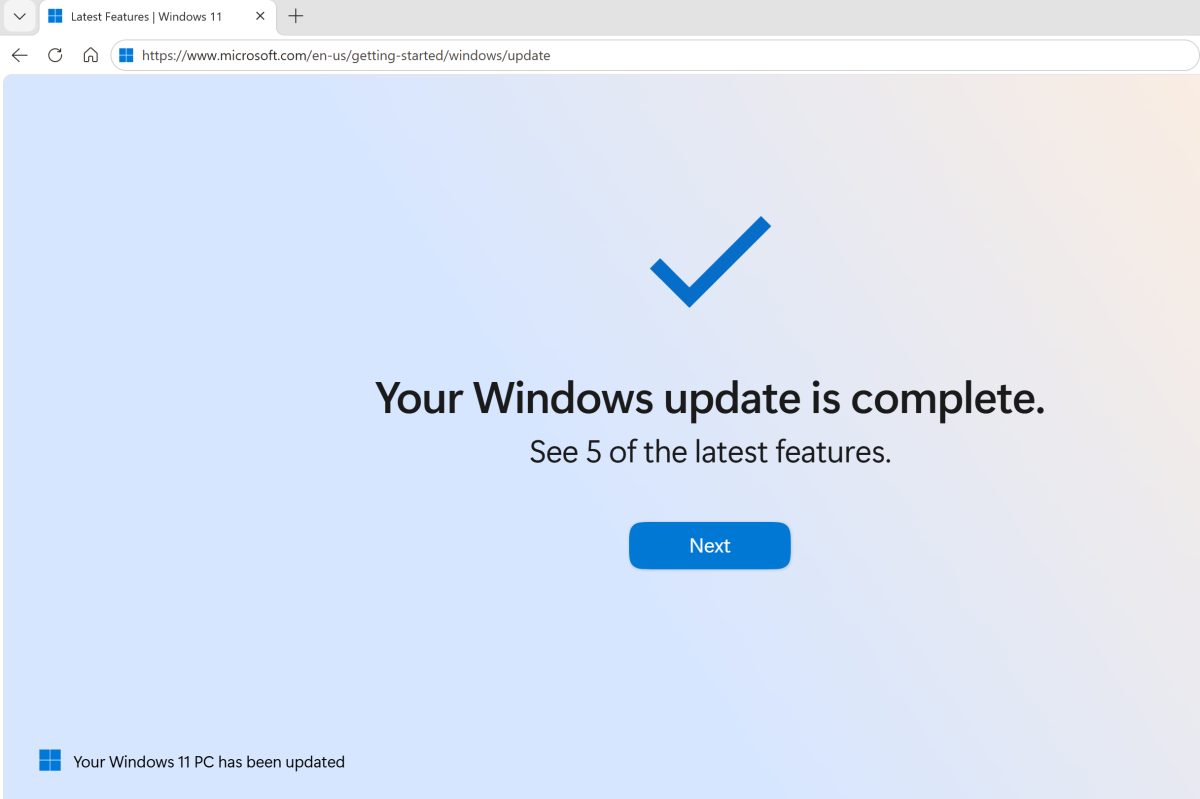
For several months Microsoft has used Microsoft Edge as a way to communicate new features within Edge itself. Now it’s doing the same for Windows, letting you know that a monthly update now provides some new capabilities you might want to use.
There’s no trick to it — well, maybe just one. So far, I’ve only seen this feature appear within Microsoft Edge. Why the exclusivity? It doesn’t seem to be a technical issue since the URL that appeared on my system looked like this: “https://www.microsoft.com/en-us/getting-started/windows/update.” Of course, Microsoft continues to use tactics like serving ads for Edge when you search for “Chrome download” on Bing, so it’s possible this will remain an Edge-specific feature.
Last week Edge opened with a carousel of new Windows features: a return of the “big clock” within the Notification Center in the bottom right-hand corner; the ability to pin the Windows emoji panel to your taskbar; plus a few older features, too. (By now, you’re probably aware that, yes, you can upload documents to Copilot to allow Microsoft’s AI to summarize them.) Buttons like “Try Now” launch the feature in question, such as the ability to mark up documents captured by the Snipping Tool.

More ads? No, useful info
Some of you are probably thinking, oh boy, yet more ads within Windows. And there’s some validity to that, given that features like uploading documents to Copilot have been heavily promoted for months now.
Still, Microsoft needs a way of promoting new features. Many third-party apps offer quick popups informing you of updates. New additions to Windows require time and effort, and features that aren’t used eventually become deprecated and abandoned. No one benefits if a feature comes and goes without anyone hearing of it. In discussions I’ve had with Microsoft engineering leads, both sides acknowledge that there’s a tension between publicizing new features, and overwhelming users with ads.
I’m not a fan of forcing consumers to click through reminders for a Windows feature that’s been amply publicized, like Copilot’s summarization feature. But for others? I think there’s value here. Remember, you can always just click to close the tab if you want to move on to real work.