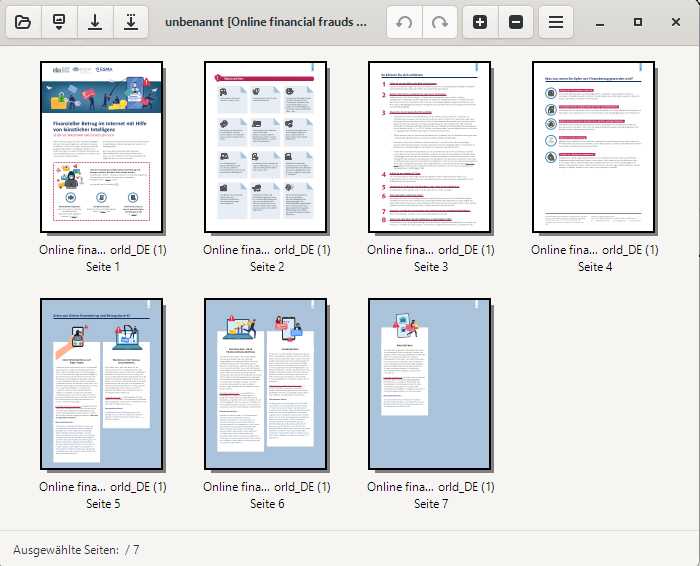
A simple but effective local solution is the open-source software PDF Arranger. On GitHub, click on the version number under Releases to download the MSI file and install the program. Once you’ve opened the tool, click on the hamburger menu with the three horizontal lines, select Open, and navigate to your PDF document.

Foundry
Alternatively, you can simply drag the file from File Explorer into the program window. PDF Arranger will now display thumbnails of the individual pages. You can drag and drop them into the desired positions. Click Save in the hamburger menu to save the new order.
Because PDF Arranger runs locally, your PDF doesn’t need to be uploaded to an online service.