Here’s how I found out the hard way.
Table of Contents
A laptop that wouldn’t boot into Windows
Earlier this month, I started up a laptop I hadn’t used in a few weeks. It refused to boot. Instead, it threw up an error message about an invalid signature.
Past internet posters suggested changing the secure boot settings in the UEFI/BIOS. Supposedly, if you turn off the feature, you can get back into Windows.
Unfortunately for me, the secure boot settings were grayed out in this laptop’s UEFI. I couldn’t touch them. And if I’d been most other people, I might have stalled out there.
Secure Boot is currently a mess

ASUS
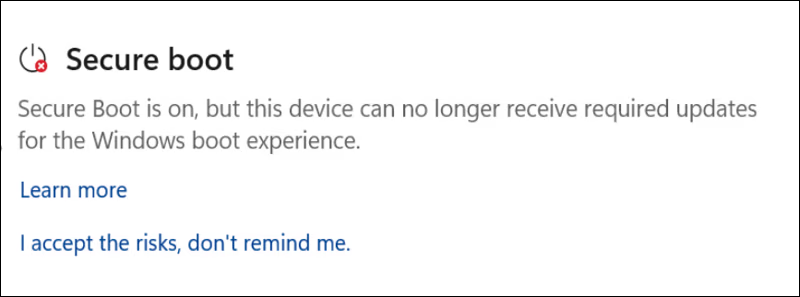
Lucky for me, I had wrangled this past summer with Secure Boot. It didn’t feel fortunate at the time—I had to do all that poking around because of Microsoft’s erratic handling of updated certificates. Basically, Microsoft warned in advance that new certificates would be needed, but no one fully took charge. At the last moment, Microsoft stepped in.
(If you’re picturing the Spider-Man meme where several Spider-Men are all pointing at each other, you have the feel of it.)