Table of Contents
At a Glance
Expert’s Rating
Pros
- Works on a large variety of media
- Creates images of drives for recovery
- Clean, clever interface
- Easy to use
Cons
- NAS recovery initially failed
Our Verdict
Stellar Phoenix Windows Data Recovery grabs deleted data from nearly any media type. It sports a clean interface and delivered good results with rare exceptions.
Price When Reviewed
This value will show the geolocated pricing text for product undefined
Best Pricing Today
There’s nary a media type that some edition of Stellar Phoenix Data Recovery won’t handle: hard drives, memory cards, optical discs… You name it. However, in my last look over a decade ago, Stellar Phoenix was playing second fiddle to the other data recovery program I’d tested in terms of what it would recover.
Well, times change and the latest version seems to be on top of its game with local media, which it can also back up first. That said, there’s a lot of competition out there: Easeus Data Recovery, Photo Rec, DMDE, TestDisk, Recuva, R-Studio, and a host of others. Some of which are free.
What are Stellar Phoenix Data Recovery’s features?
While rather obvious from the name, Stellar Phoenix’s main feature is recovering data in the form of files that may have been deleted, or lost when a partition/drive is overwritten or goes belly up. It supports a wide variety of media and container files: hard drives, SSDs, memory cards, VHDs, optical, etc.

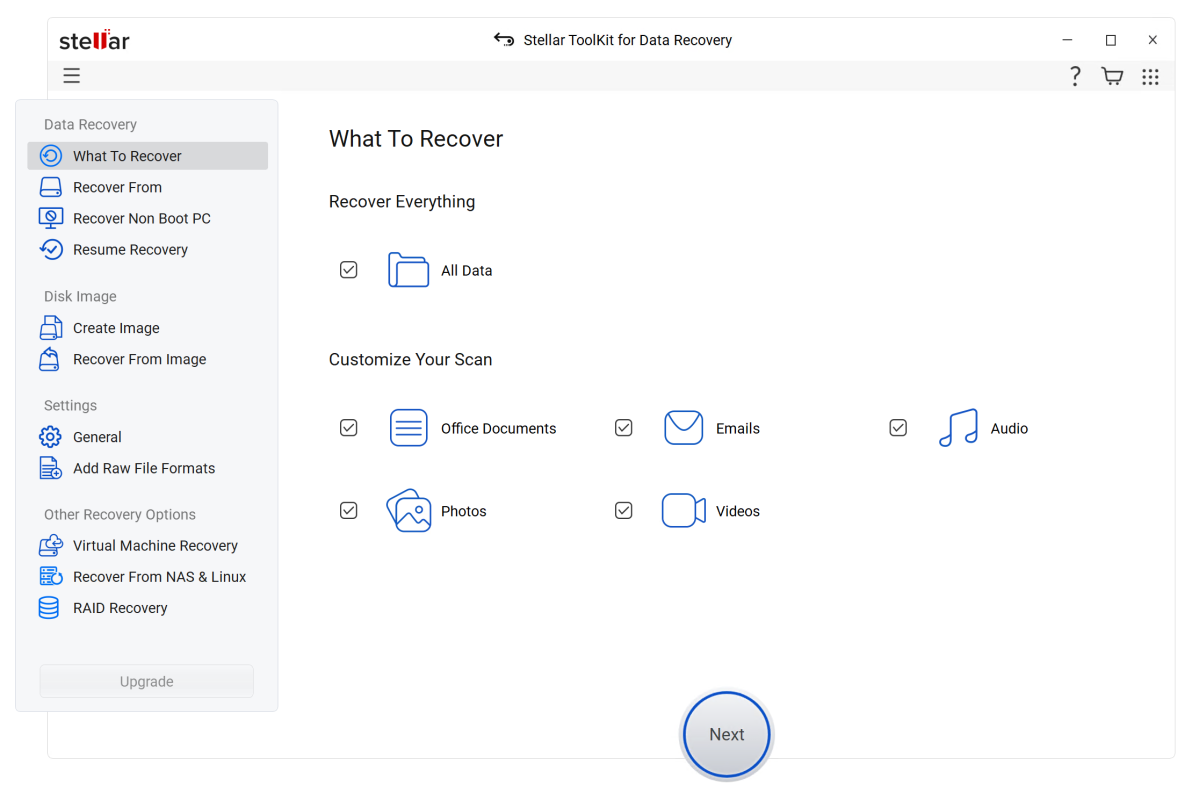
But it will also create images of those for later recovery. Obviously, these need to be images with all sectors (marked empty or not) so they’ll be the same size as the drive you’re creating the image from — usually large. Why?
Imagine your trying to save/recover data from a hard drive that’s making disturbing noises, or an SSD that’s starting to throw errors. The less stress you put on it, the better. The recovery process can put a lot of stress on it, so backing up/imaging is the first order of business.
Stellar Phoenix in its more expensive incarnations (see pricing below) supports recovery from virtual hard drives (.vhd, .vdi, .vdmk, etc.) as well as QNAP, Synology, and Asustor NAS boxes. Throw in Linux file systems and you have a program that can be very handy in the SMB environment.
I tested all those. RAID 0, 5, and 6 are also said to be supported though I didn’t have any crashed arrays to test.
How much is Stellar Phoenix Data Recovery?
The program comes in three consumer flavors: the $70 annually/$130 perpetual Standard version, the $100 annually/$200 perpetual Professional version, and the $210 annually/$320 lifetime Premium edition with corrupt photo/video repair.
There are also two higher subscription tiers: the $199 Technician, and $299 Toolkit. Only the latter features the VHD, NAS, and Linux/macOS recovery options.

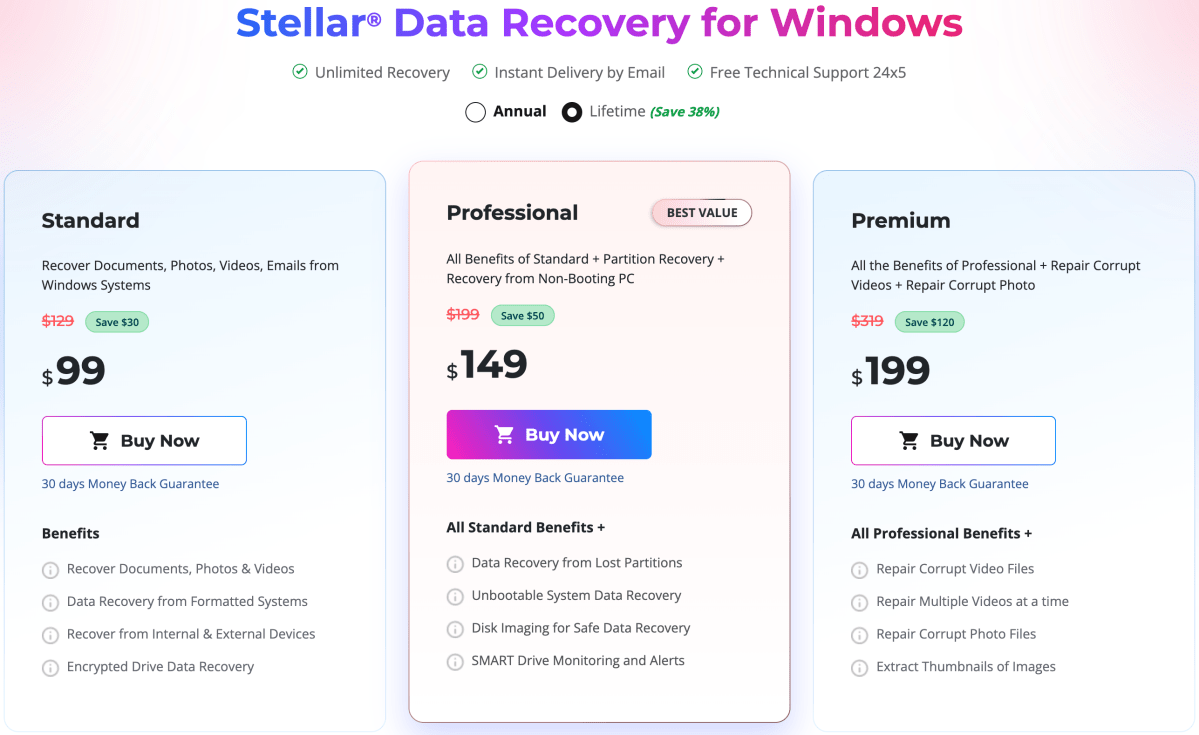
Note that these are the full retail prices, which were heavily discounted at the time of this writing. You’ll find a feature comparison on another web page. You may also download a free version of any tier that will show you what the program can recover, though it won’t actually recover it for you unless you pay up.
How is the Stellar Phoenix Data Recovery interface?
Long gone is the rather amateurish, but colorful bit-mapped interface of over a decade ago. The current interface is clean and mostly black and white. Business-like, as a utility should be, one might say.
However, said interface is also a bit unusual in that some portions stick out beyond the standard window borders. At first, I wasn’t sure if this was a glitch, but it turns out to be deliberate. It grew on me and is a nice change from the norm. See below.

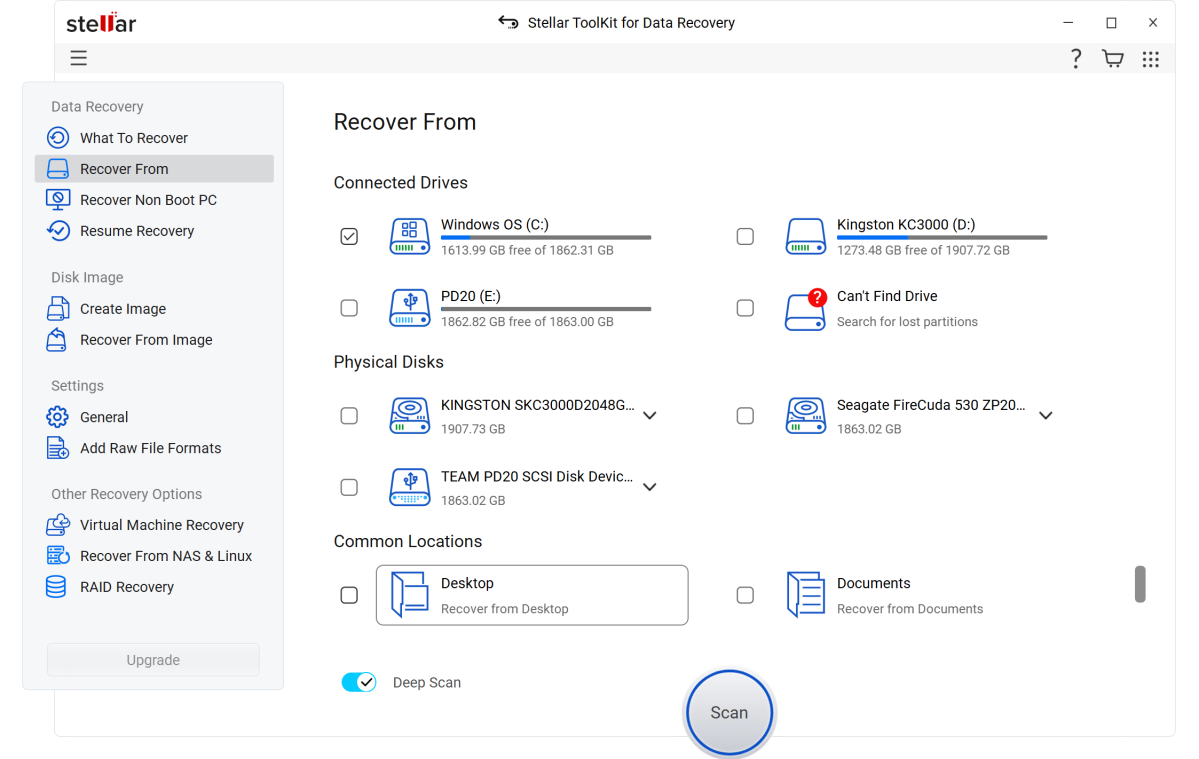
It’s also quite impressive as the bulb-outs act just like they’re a part of the window with no hidden border obscuring other screen elements.
Beyond looks, everything is logically placed and the program steps you through most operations rather than confusingly present all the options on the same page. Results are presented in standard tree form or as lists.
How does Stellar Phoenix Data Recovery perform?
In my original testing over a decade ago with Stellar Phoenix 6, it did well with hard drives and memory cards, but had a few issues with unknown file types and flash drives. This time around I was more impressed…

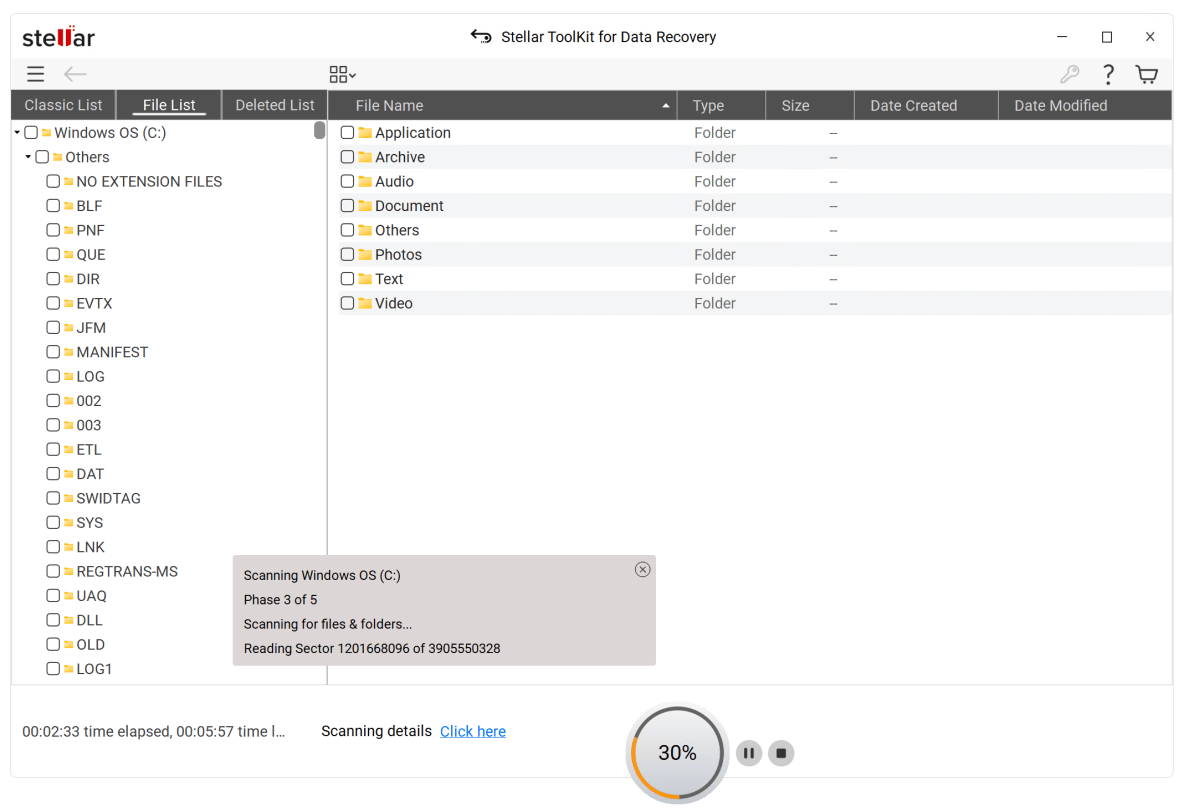
… because this time around, I’m happy to report that this latest version found every file I’d deleted, formatted, or repartitioned over on local media, though I didn’t throw anything as tough as the Canon headers at it. However, said files did include many without extensions. I tried HDDs, SSDs, microSD cards, and virtual hard drives.
The results were so thorough that with the dash cam microSD card test (recently reformatted) it returned all the existing video files and partials of all the overwritten video files. If you’re not familiar, dash cams are constantly recording and overwrite the oldest videos to make way for newer ones when they run out of room. Stellar Phoenix could have been a bit smarter about this, but I’d rather have it all than the program miss something.
That said, the top-of-the-line version of Stellar Phoenix claims to repair corrupt video and image files. But…
No readily available consumer software can recover files in their entirety if sectors belonging to said files have been overwritten. You can see this in recovered image files which will be partly visible but with large areas missing. Worst case, the entire header and sector chain are overwritten and you get nothing.
Recovery of overwritten data is the purview of highly expensive and complicated forensic software that can determine if a magnetic particle or electron trap has been previously altered and from what to what. I can’t even begin to fathom the complexity of the algorithms and understanding needed to accomplish this, but it can be done in many cases.
Alas, when I tried the NAS recovery feature on my QNAP boxes, Stellar Phoenix didn’t recognize any volumes on my first go round. No storage pools or other abstractions were in use, and support didn’t know why it wasn’t working for me. By the time we were ready to publish the article, the issue had been fixed and result were as good as with local media. Good on ‘ya Stellar.

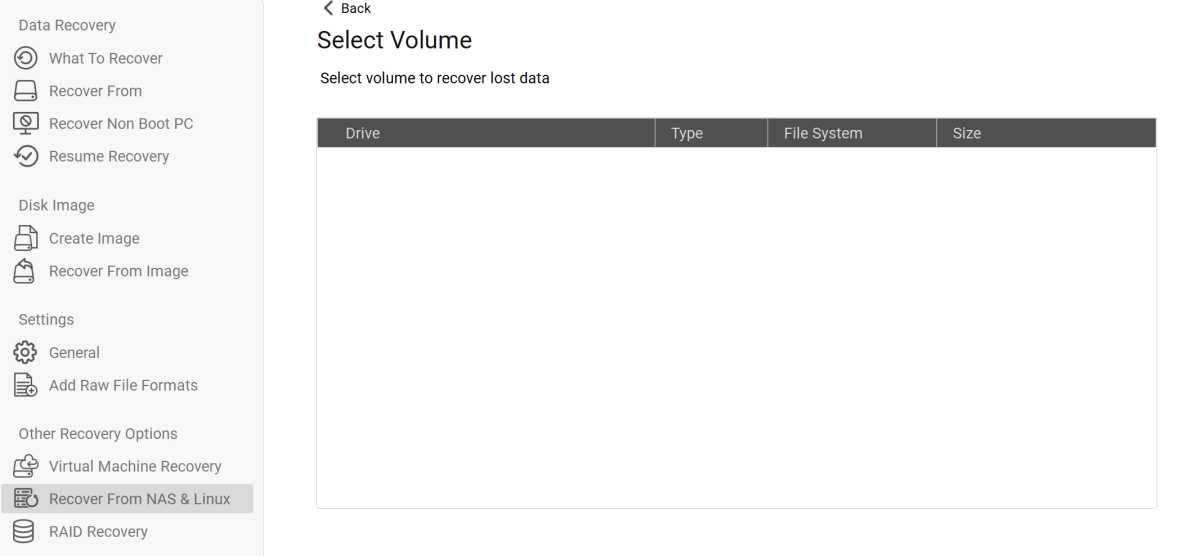
So all in all, I found Stellar Phoenix Data Recovery every bit as effective as the competition, and the NAS thing is a neat trick. Even if it’s only in the pricier versions.
Should you buy Stellar Phoenix Data Recovery?
Whether you should buy Stellar Phoenix Data Recovery depends on your specific needs. There are cheaper options, including the free Recuva, which is just as effective for normal recovery tasks. The very effective R-Studio, which also images partitions and drives before recovery, is basically half the price.
That said, the RAID, virtual machine, and NAS recovery in the more advanced editions will have appeal to SMB and IT customers. Fortunately, you can give the free version of Stellar Phoenix Data Recovery a spin and see if it will work for you before you plunk down any hard-earned cash.