
This $40 keyboard solved my biggest smart TV annoyance
In my work as a tech reviewer, I’ve had many opportunities to test $300 keyboards with uber-advanced tech features and mice capable of tracking subtle movements so well as to be frightening.
But as much as I love the ultimate tech accessories—give me that 8,000Hz polling rate, adjustable actuation depth, plush wrist rest, heavy metal base—there are plenty of times when such gear isn’t necessary. That’s where this cheap Arteck keyboard-trackpad combo is a winner.
Mark Knapp / Foundry
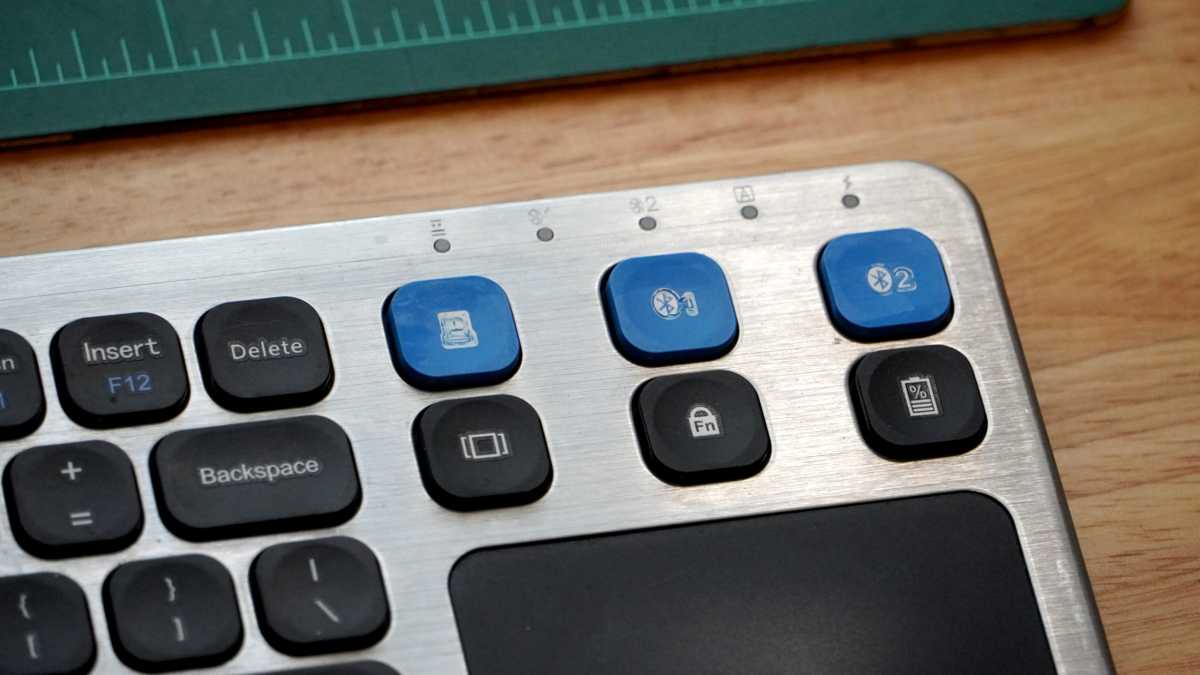
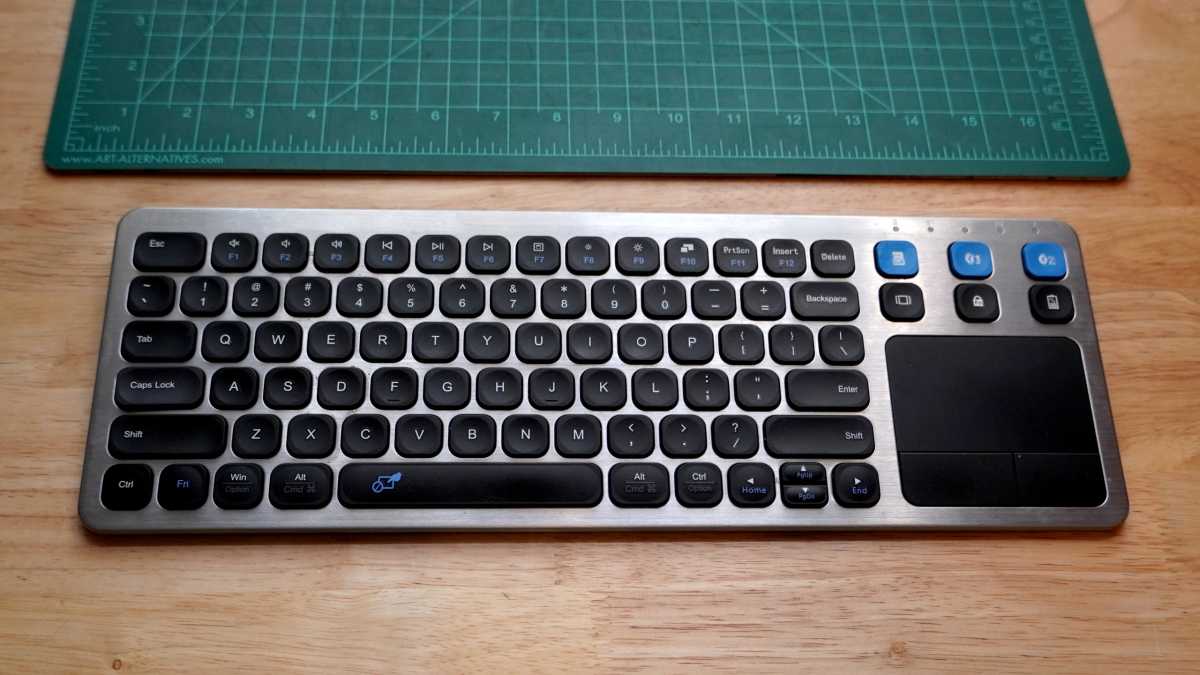
The Arteck HW197 is versatile, combining a trackpad and keyboard into one nifty accessory. It plugs in to USB-A with a 2.4GHz dongle, or you can use it with Bluetooth. Three keys at the top right of the keyboard make switching between connections quick and easy. It’s a compact model—about 85% the size of a standard full-size—with a function row and a trackpad where the number pad would usually go.
I got the Arteck HW197 at the end of 2023 for $26 and it’s been a staple of my living room since. It has since gone up to about $40, no doubt because it’s getting more popular. I use it with my smart TV because I hate typing with the remote’s arrow buttons to navigate an on-screen keyboard. I also like the built-in trackpad, which comes in handy in certain smart TV apps that support cursors (like the web browser). It also works well with home theater PCs, streaming boxes, gaming consoles, and even Raspberry Pi and Arduino projects.
Mark Knapp / Foundry
It’s a solid price for a simple wireless keyboard, let alone one that has a built-in trackpad (you don’t see that very often). And let’s be real: a simple TV keyboard doesn’t need all kinds of bells and whistles, nor does it need extra longevity or durability. While I’d happily splurge on a premium keyboard for my PC—where I’d be hitting millions of keystrokes per year—that just isn’t needed for a media center keyboard. It’s just there for quick searches and the occasional logins.
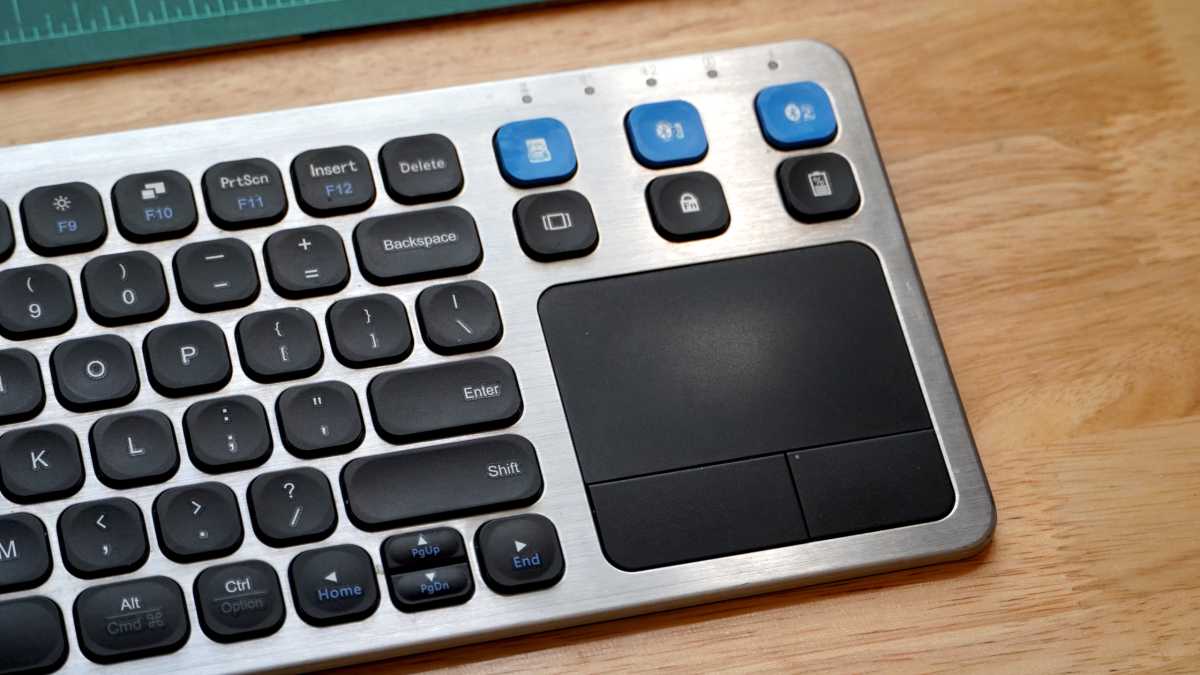
So, why buy this keyboard over any other cheap keyboard? Well, there’s a huge gulf between a “good cheap” keyboard and a “bad cheap” one. The Arteck HW197 gets the balance right for the money. It’s a low-profile membrane keyboard with scissor switches, and the keycaps have a helpful contour that avoid awkward binding and stay out of the way as you type. In fact, I’m able to hit 116 words per minute with 98% accuracy in Monkeytype, which is a strong result for a “cheap” keyboard.
Mark Knapp / Foundry
The trackpad is less impressive, with soft physical buttons at the bottom and a far-from-smooth plastic surface. It sometimes struggles to track consistently when the keyboard is far from its wireless USB receiver. (Bluetooth works a little better, surprisingly.) But in a home media center environment, mousing around is an infrequent activity—and it’s just more convenient to have a subpar trackpad in the keyboard than it is to buy and keep track of a separate “cheap” mouse.
Mark Knapp / Foundry
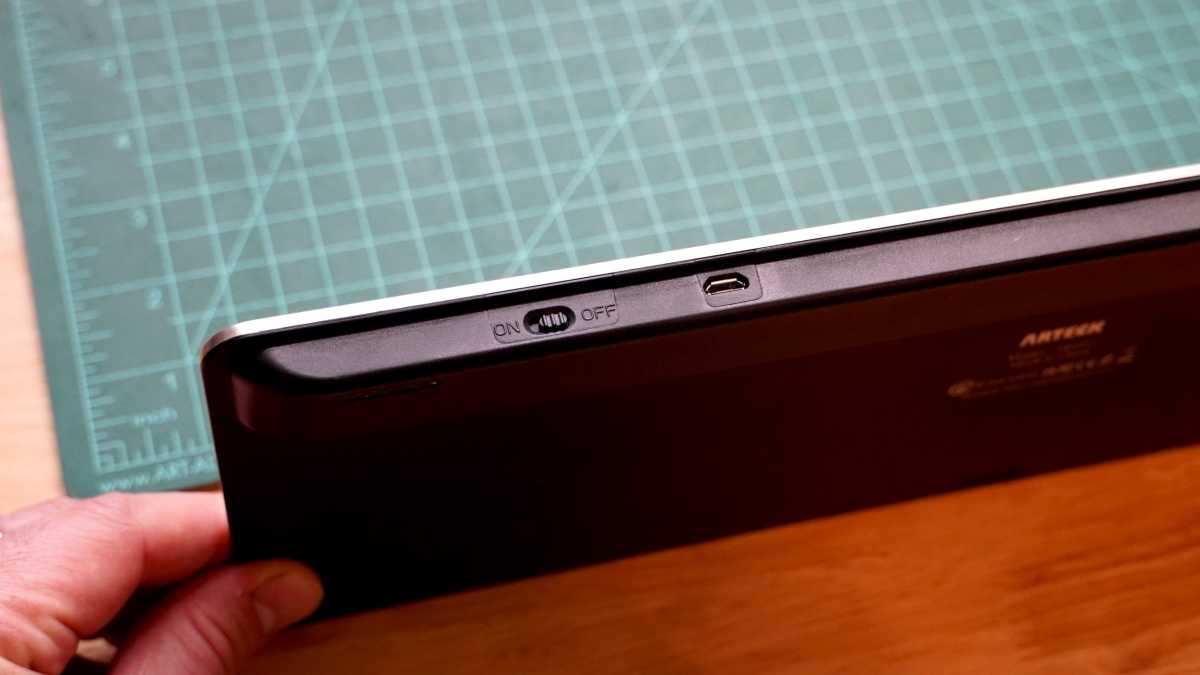
Does the Arteck HW197 have any flaws? Of course. It has printed keycap legends that fade. It charges via old-school Micro USB. It lacks backlighting, which would be great when you’ve turned out all the lights. But all of those are minor trade-offs for the convenience of a keyboard-trackpad combo at this price, plus it hardly ever needs to be recharged.
If you need an all-in-one keyboard-and-mouse solution for your smart TV or home theater, the Arteck HW197 is what I’d recommend.
