Web browser Vivaldi has now been updated to version 7.9, and with this update it has been equipped with a new full-screen mode, as well as improvements to its split-screen mode and built-in email client.
According to Vivaldi itself, the main feature of the update is the new full-screen mode, UI Auto-hide. This mode hides unwanted elements of the user interface, such as the address and tab bars, allowing the website you’re visiting to take up the entire window. The hidden elements reappear when you move your mouse pointer to the edges of the screen.
Full-screen mode is activated using the Ctrl + F11 keyboard shortcut, and you’ll be able to customize how much of the user interface is hidden.

Vivaldi
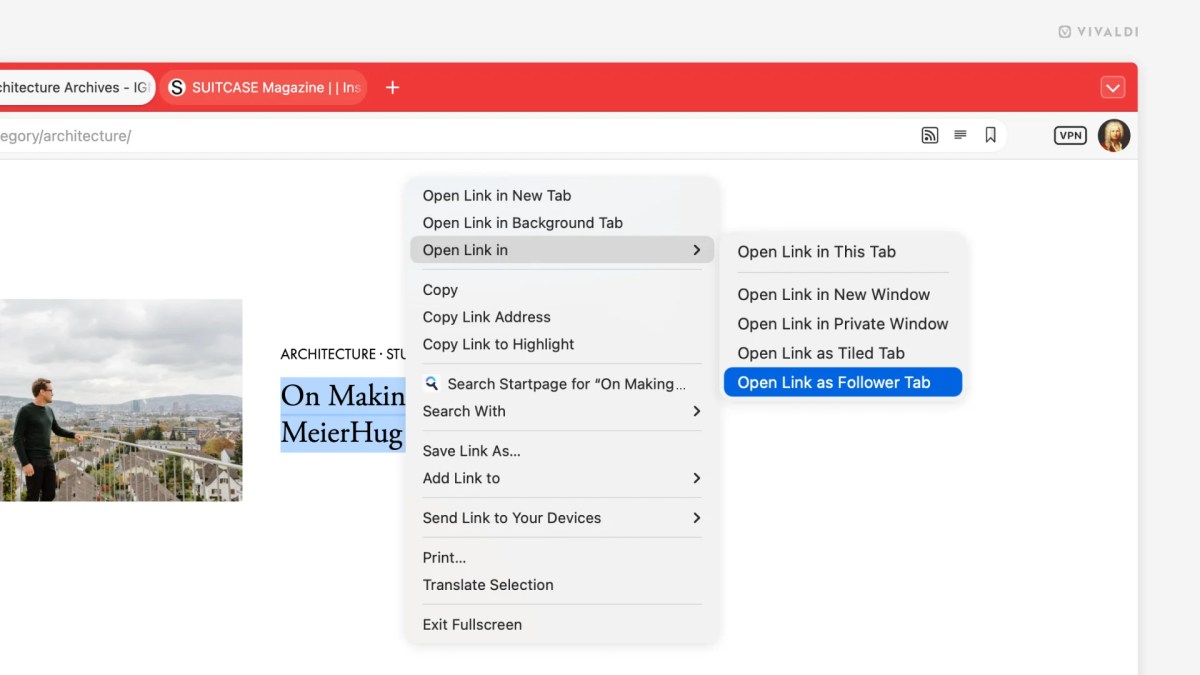
The improvements to split-screen mode are designed to prevent you from losing your train of thought as you click through link after link.
When you open a link, you can now right-click on it to choose to open it in a “follower tab.” The page you were originally on will remain on one side of the screen, while the link (and any subsequent links you click on) will open on the other half in the follower tab.
Vivaldi
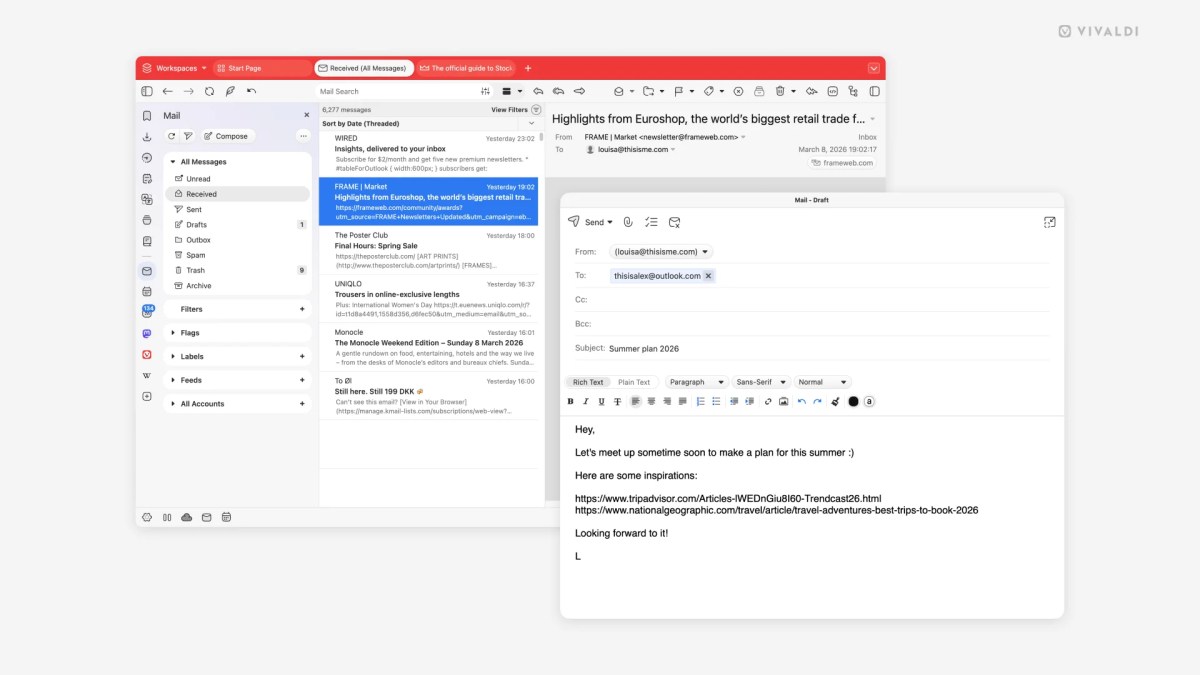
The browser’s built-in email client has received a number of improvements. Among other things, you can now open the email client in a new window, the inbox will use less memory, and you can now save your emails directly to your hard drive.
It’s features like this that have power users switching from Chrome to Vivaldi and praising the browser’s capabilities.