
You’re being lazy with passwords the wrong way
Welcome to Safe Mode, your weekly report for pressing security and privacy news—and what steps to take next. Want this newsletter to come directly to your inbox? Sign up on our website!
Before, that information just settled into the dark corners of the internet, passed around but not heavily utilized. But now hackers and scammers capitalize on knowing your habits. They create personalized phishing and scam attempts—attacks that make them better at stealing away an important account of yours. Or just outright stealing your money.
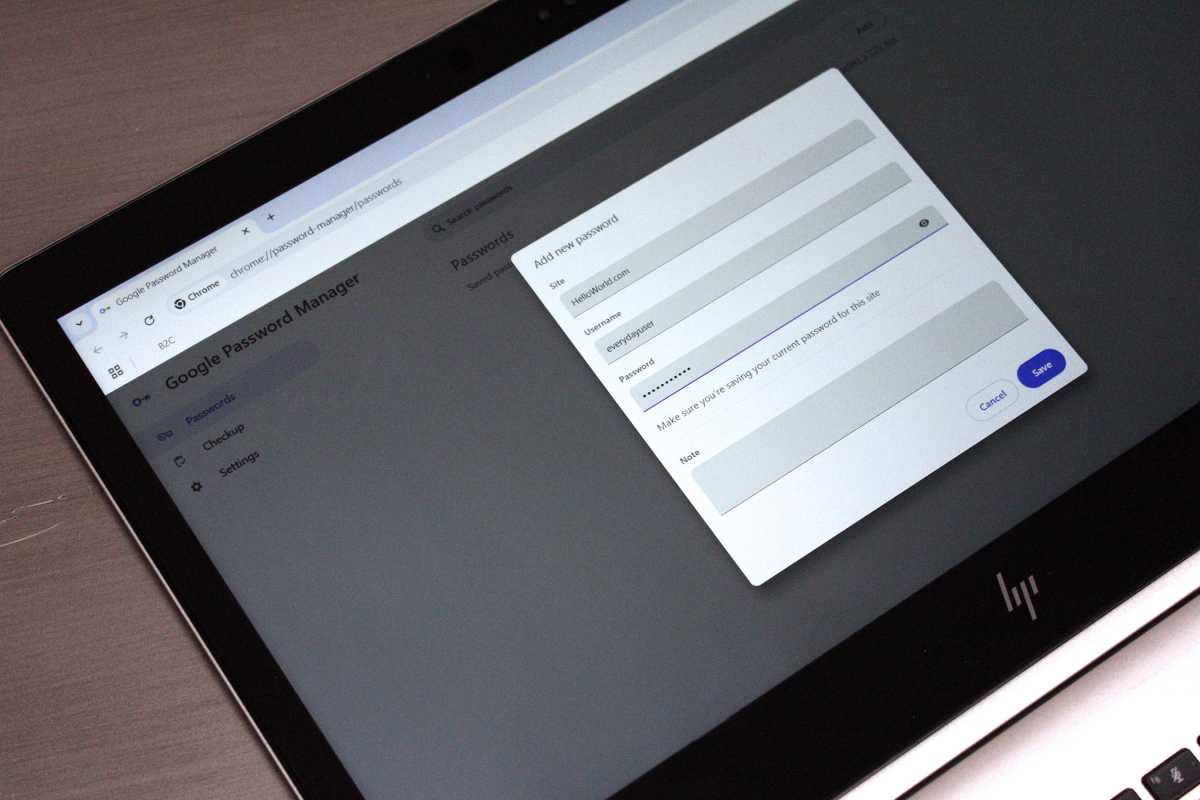
So what’s the right approach for passwords? Delegate the work to someone else. Or rather, something else: a password manager. Let a password manager create random, unique and strong passwords for you. Let it save them. Let it autofill them for you.
Alaina Yee / Foundry
You have so many options. The simplest: Use the one on your phone. Both Google and Apple have a password manager built into their ecosystems. Your Windows PC also can save some credentials, like passkeys; for everything else, you can lean on Edges password manager to sync with your Microsoft account.
Otherwise, for the most flexibility across devices and platforms, look into an independent password manager like Bitwarden or Dashlane. These integrate into your regular flow on a phone or PC through an app or browser extension, so once they’re set up, they feel as seamless as Apple Passwords or Google Password Manager.
Armed with a password manager, you can quickly update your passwords—and then finally have a unique one for every single website and app out there. (You can even save passkeys to a password manager—an even stronger way to protect an account, but not yet available for all apps and websites.) The next time a credential stuffing attack happens, you’ll be safe. You also won’t have to sweat the next data breach that includes passwords. In fact, you can be even lazier than before. No thinking. No memorizing. No typing in anything.
This is the right way to be lazy about passwords. Zero effort but full efficiency.
